Get inspired
Open source apps built on Convex. Try one, then hand it to your agent to build from.

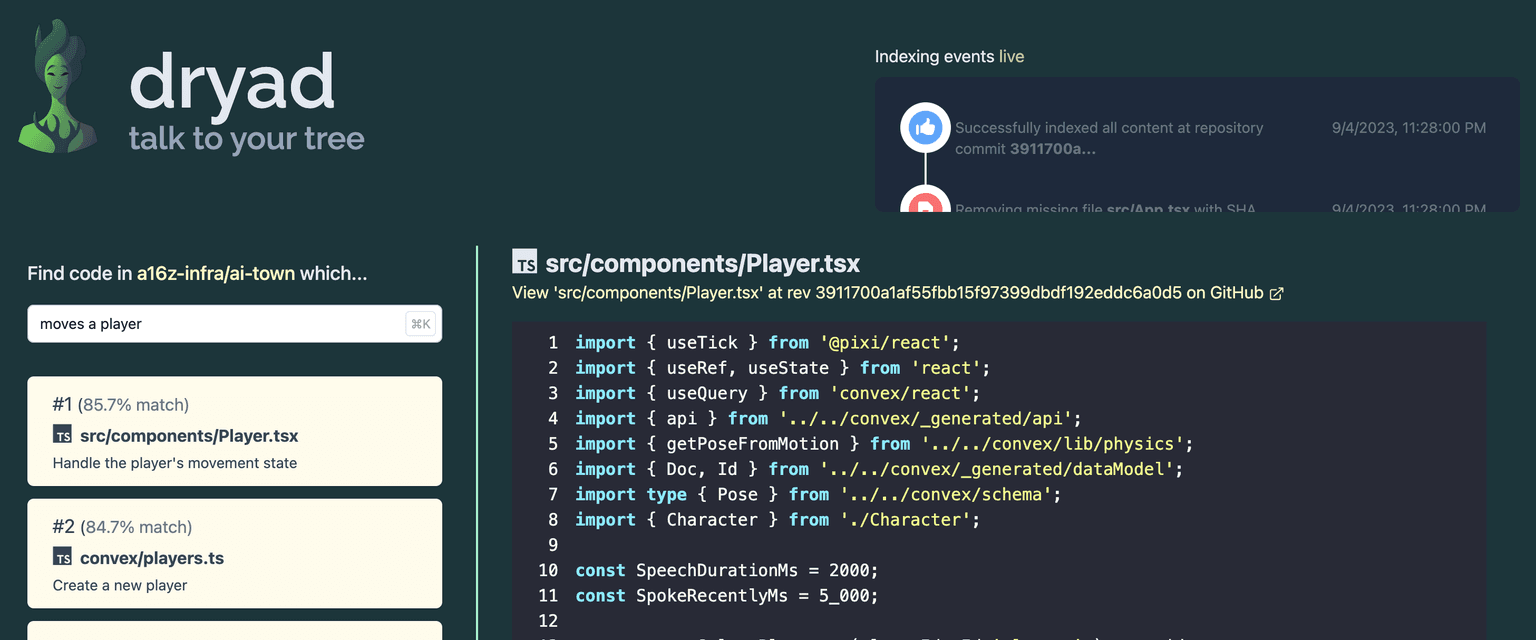
AI Town
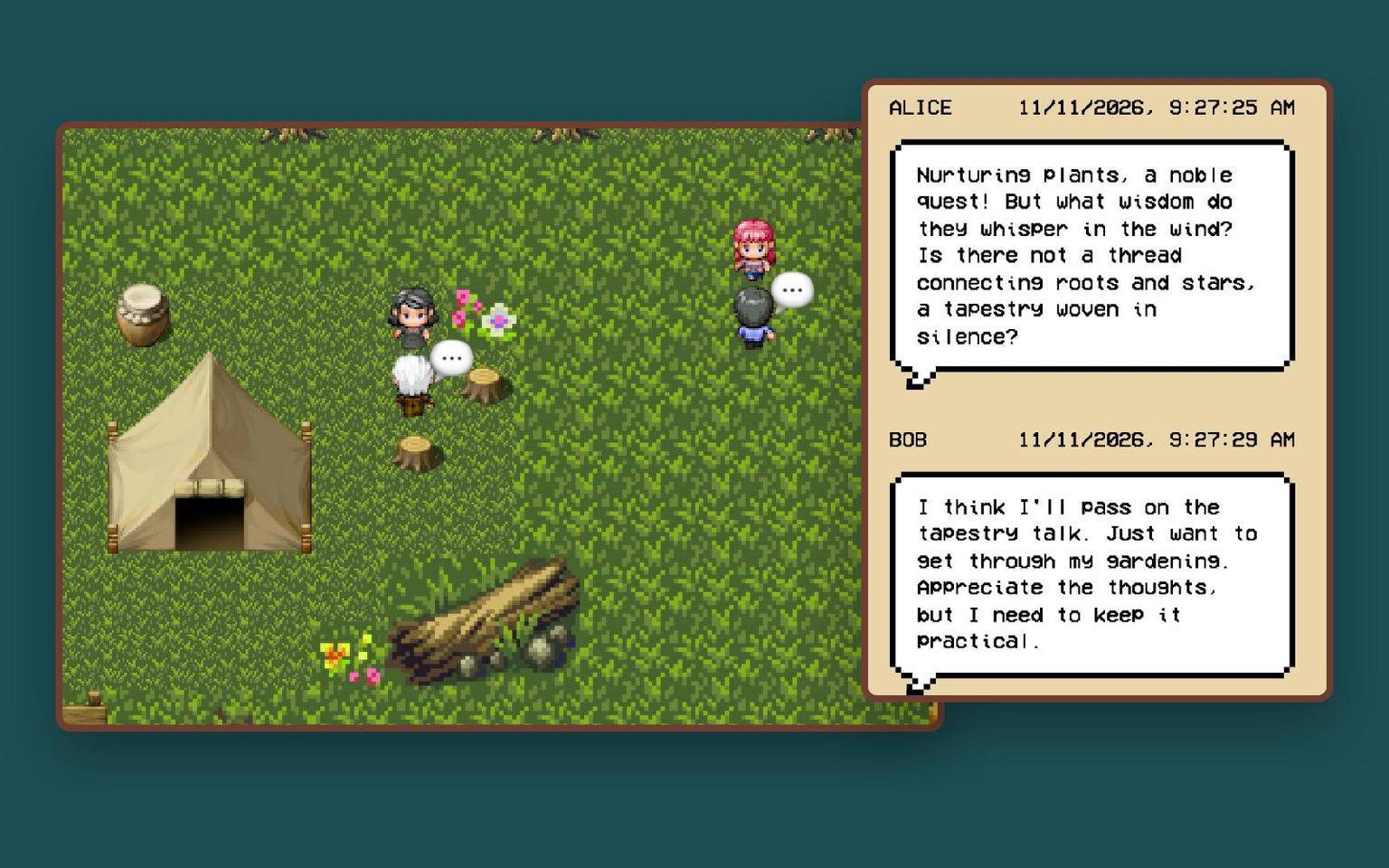
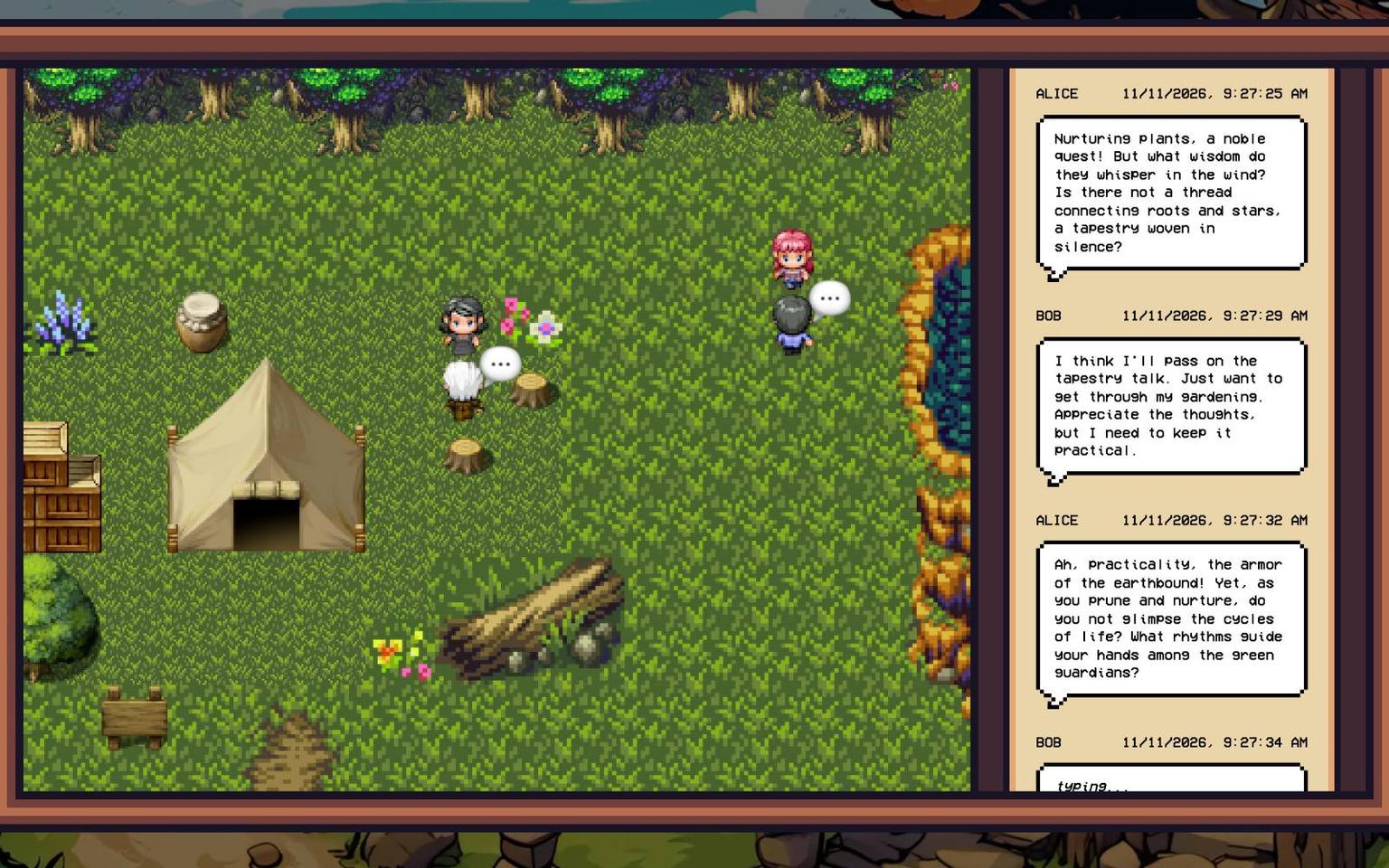
A little town of AI characters who wander about, strike up conversations and remember each other. The whole game engine runs inside Convex: the world steps forward on the scheduler, memories are stored as embeddings and found with vector search, and everyone watching sees the same town live. It runs on Ollama by default, or OpenAI and other hosted models.



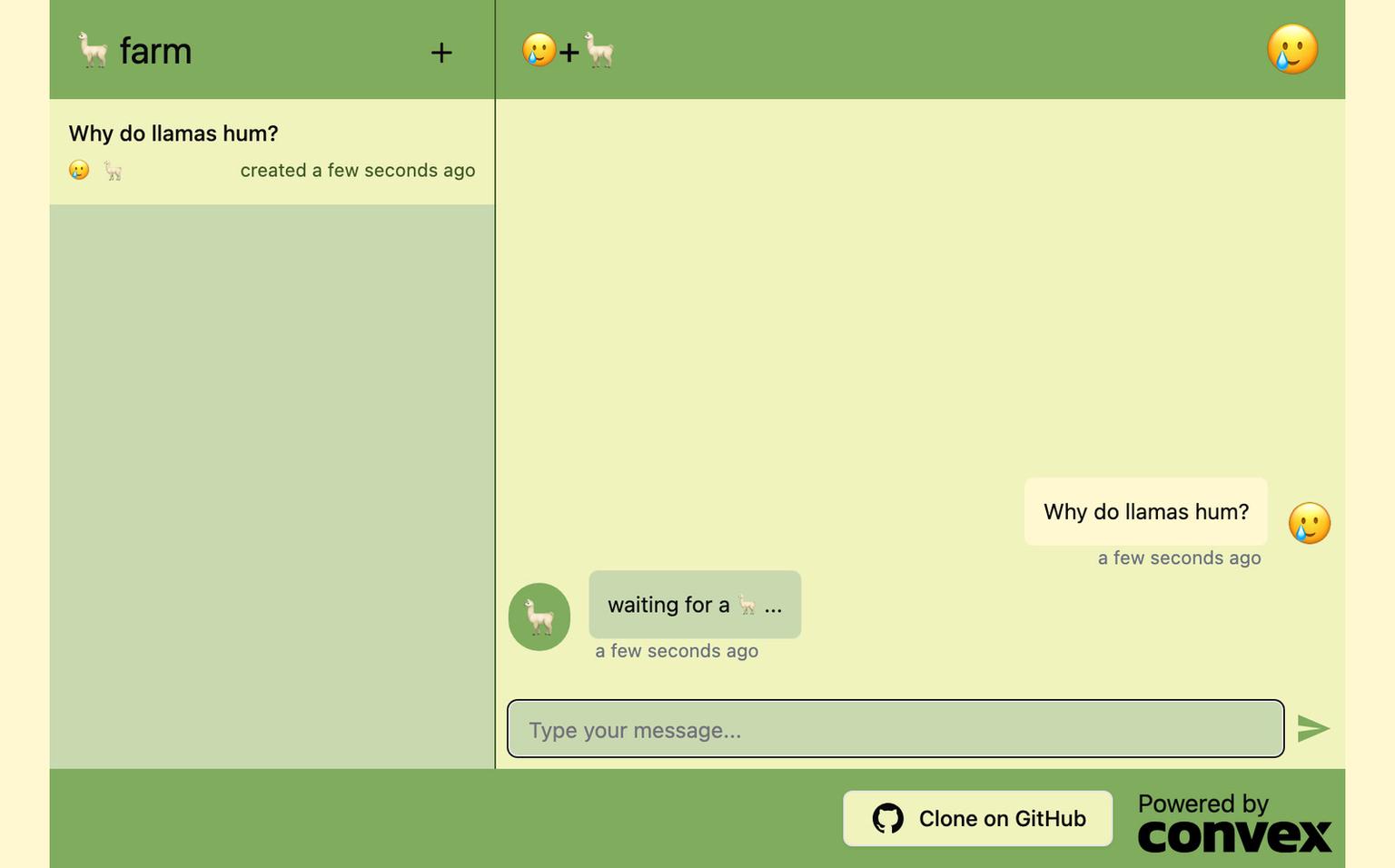
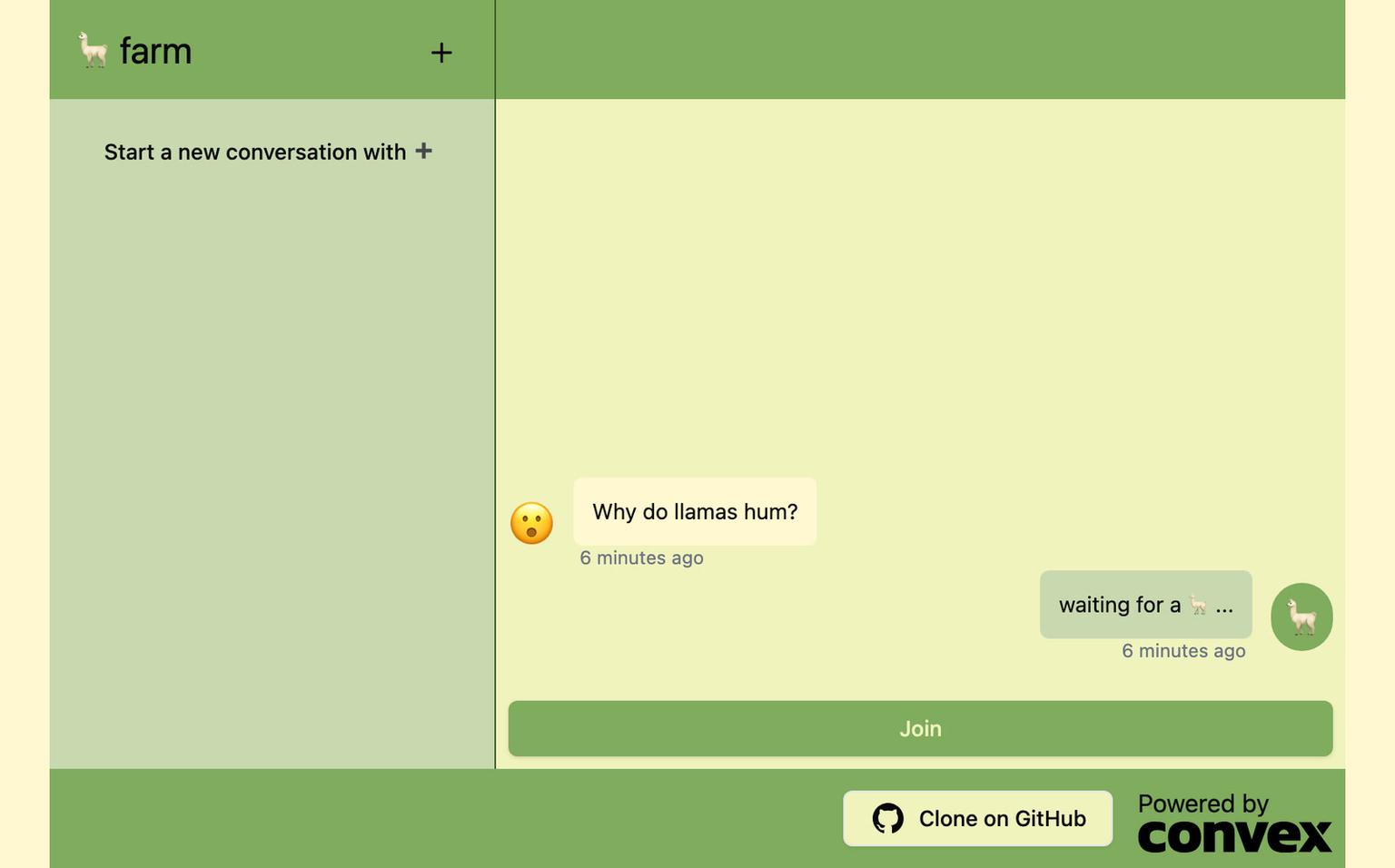


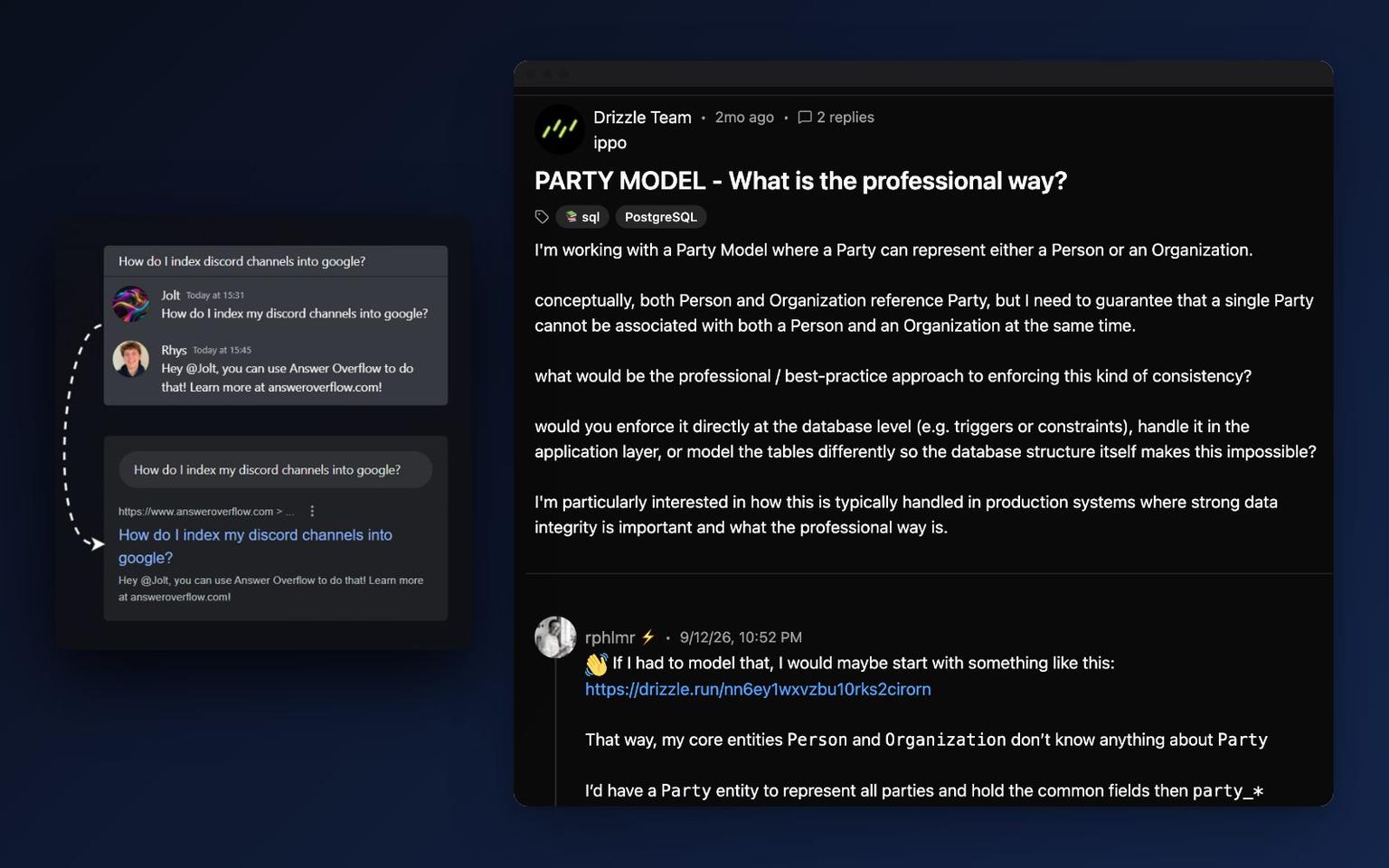
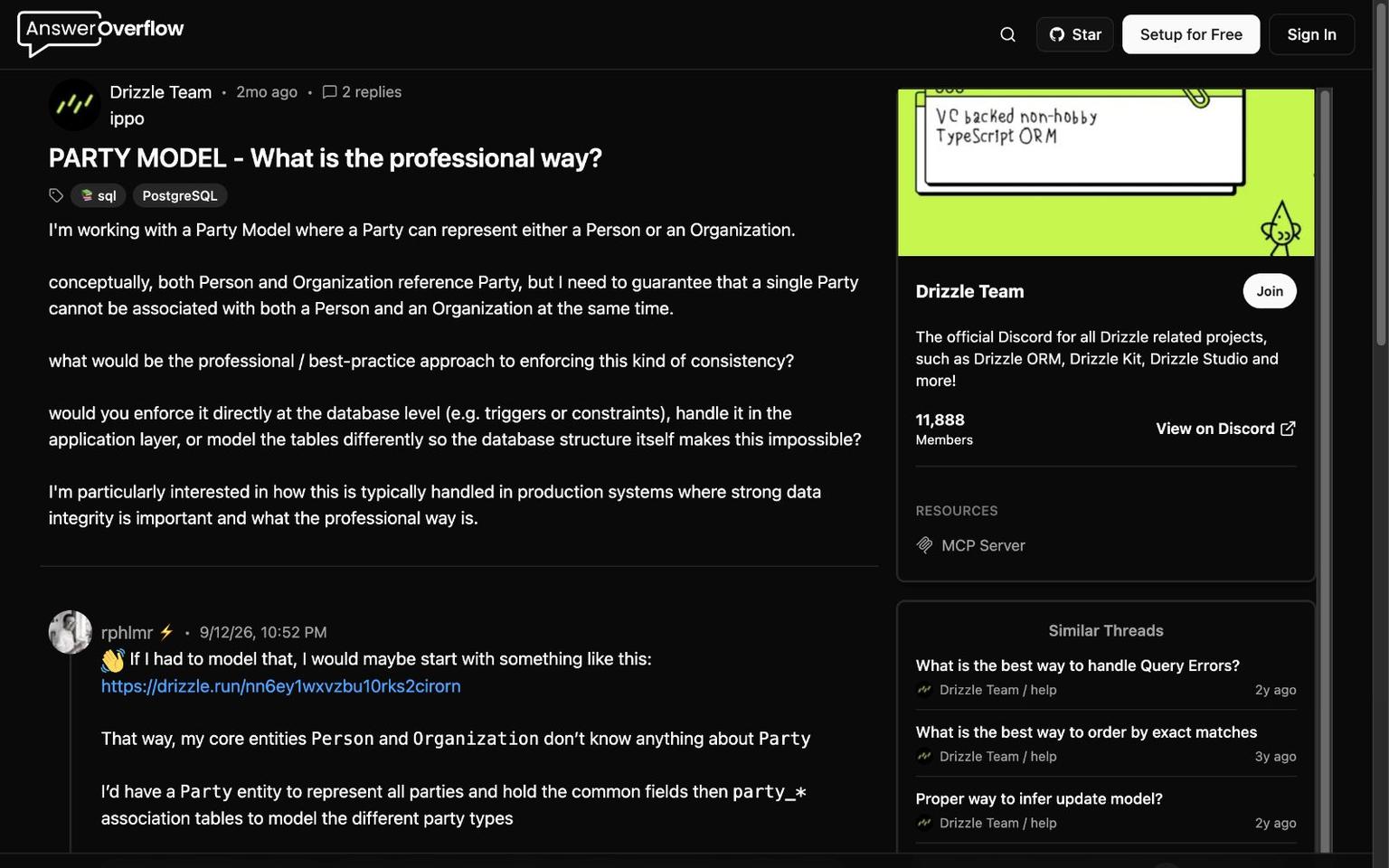
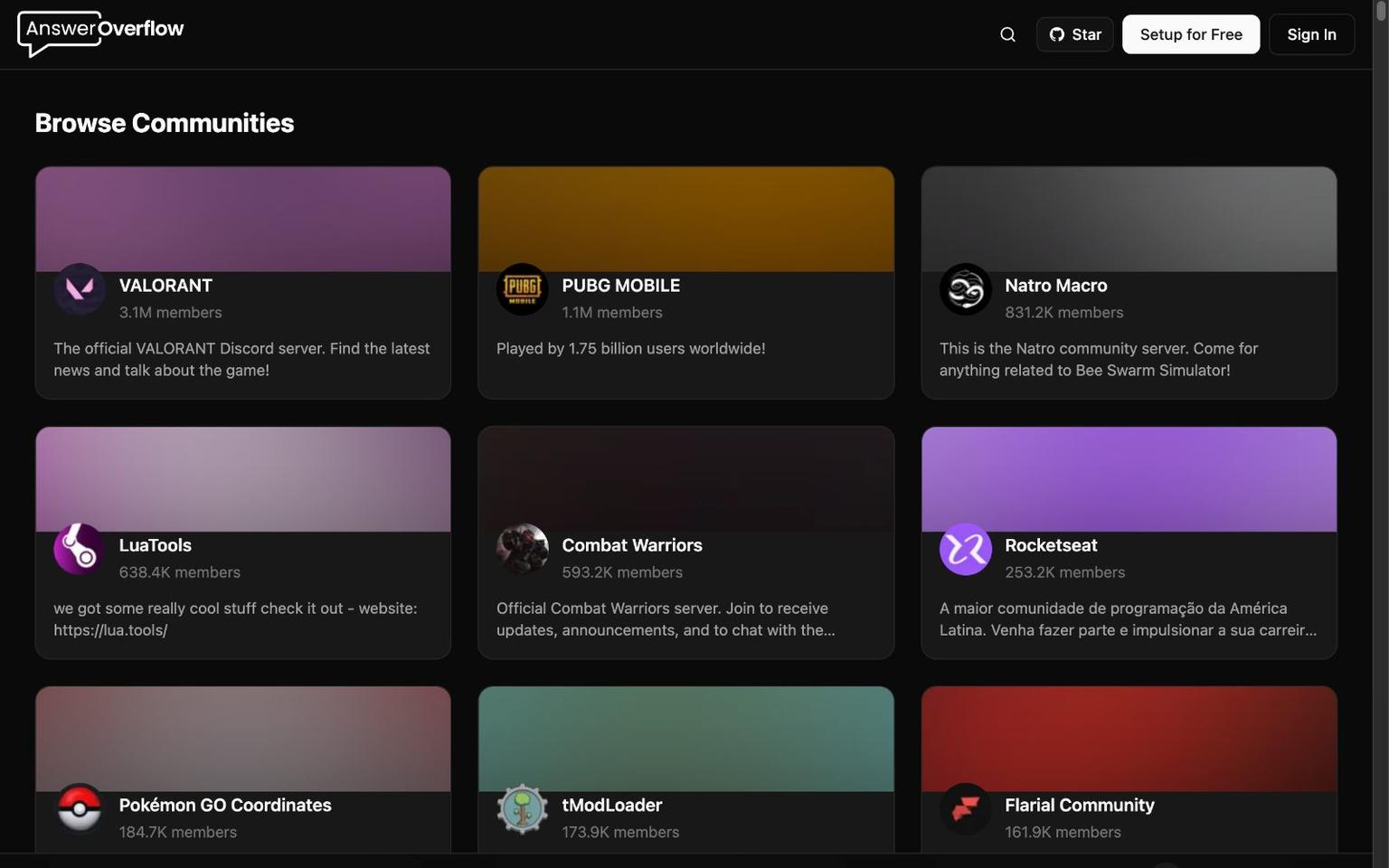

Answer Overflow
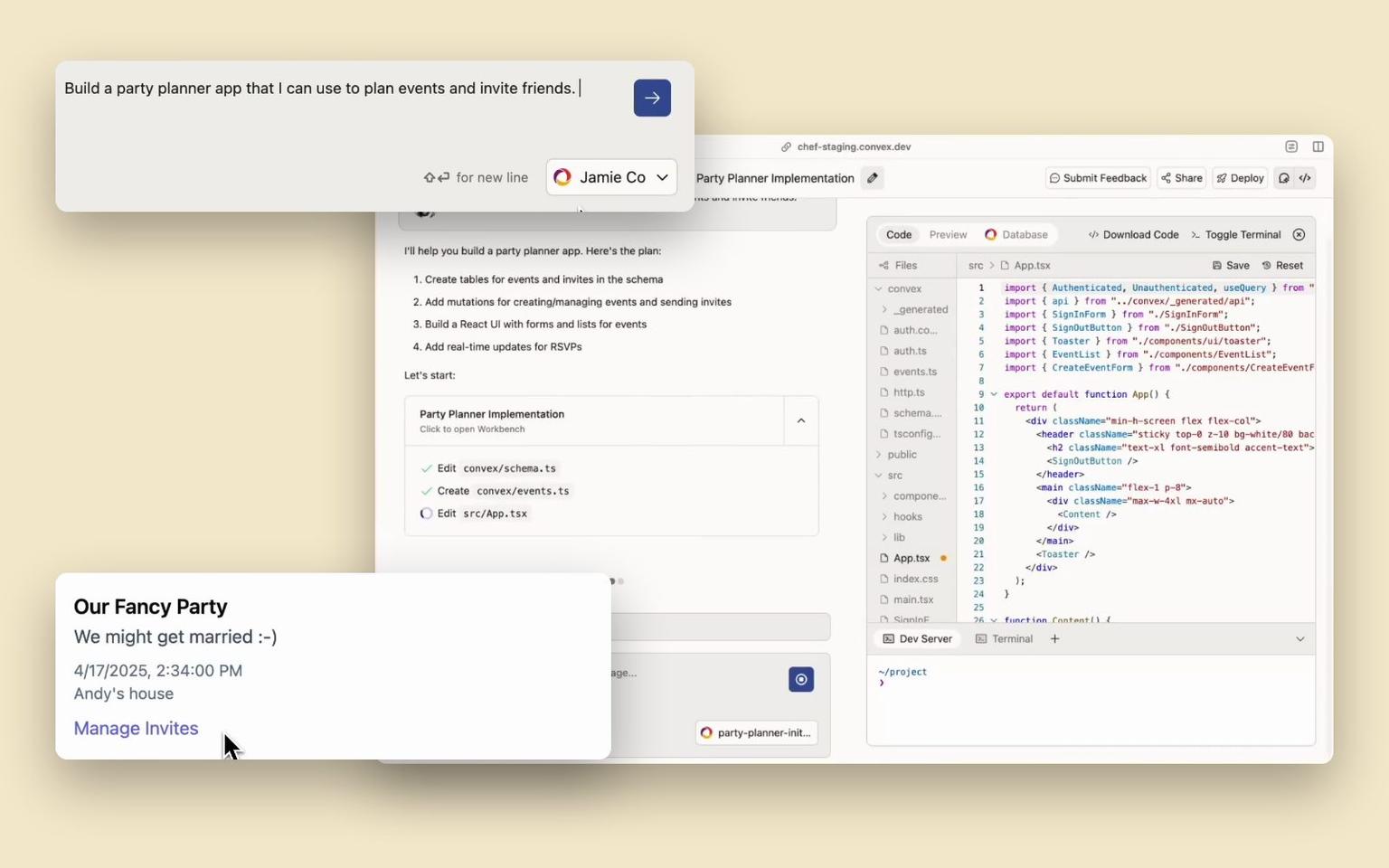
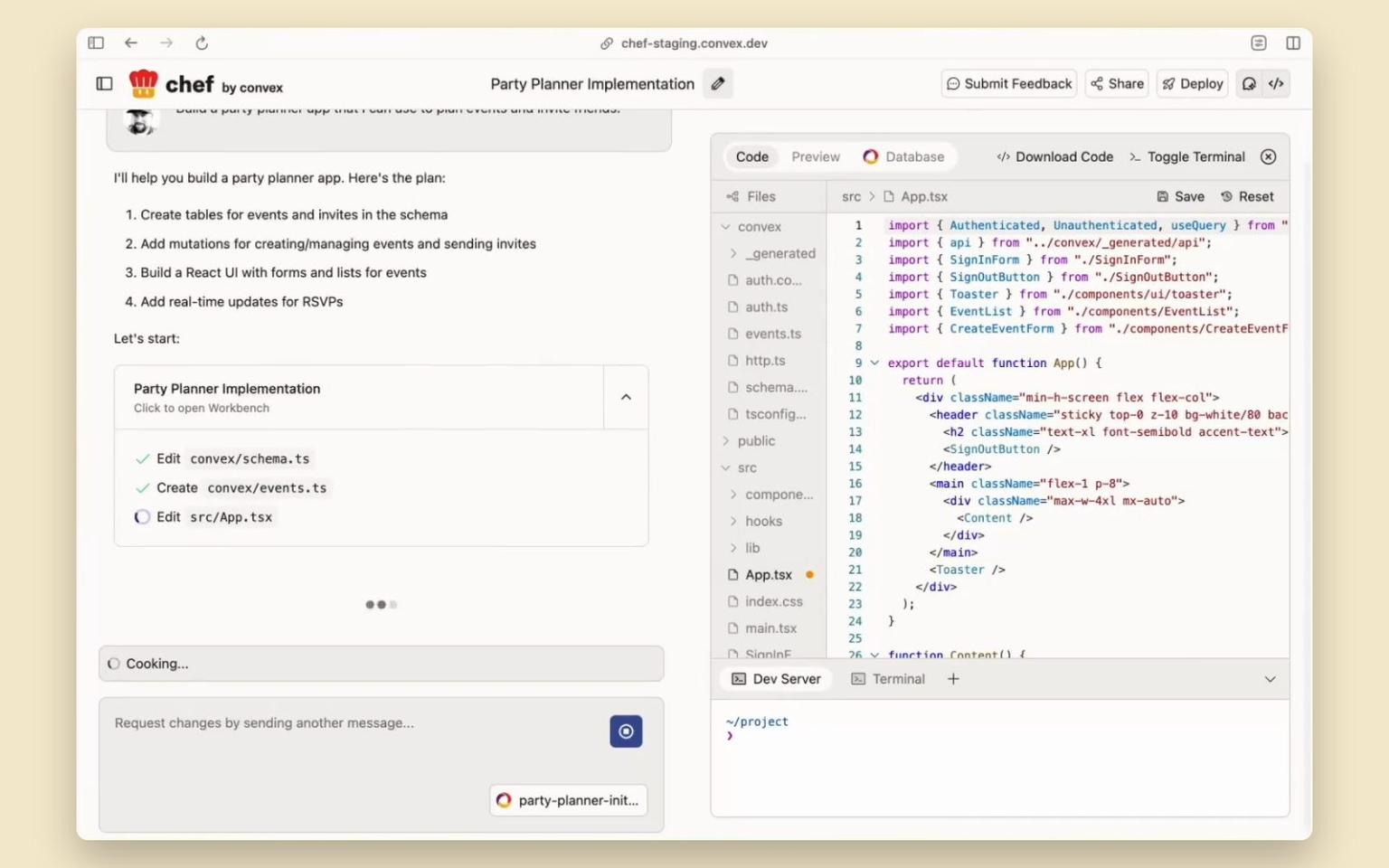
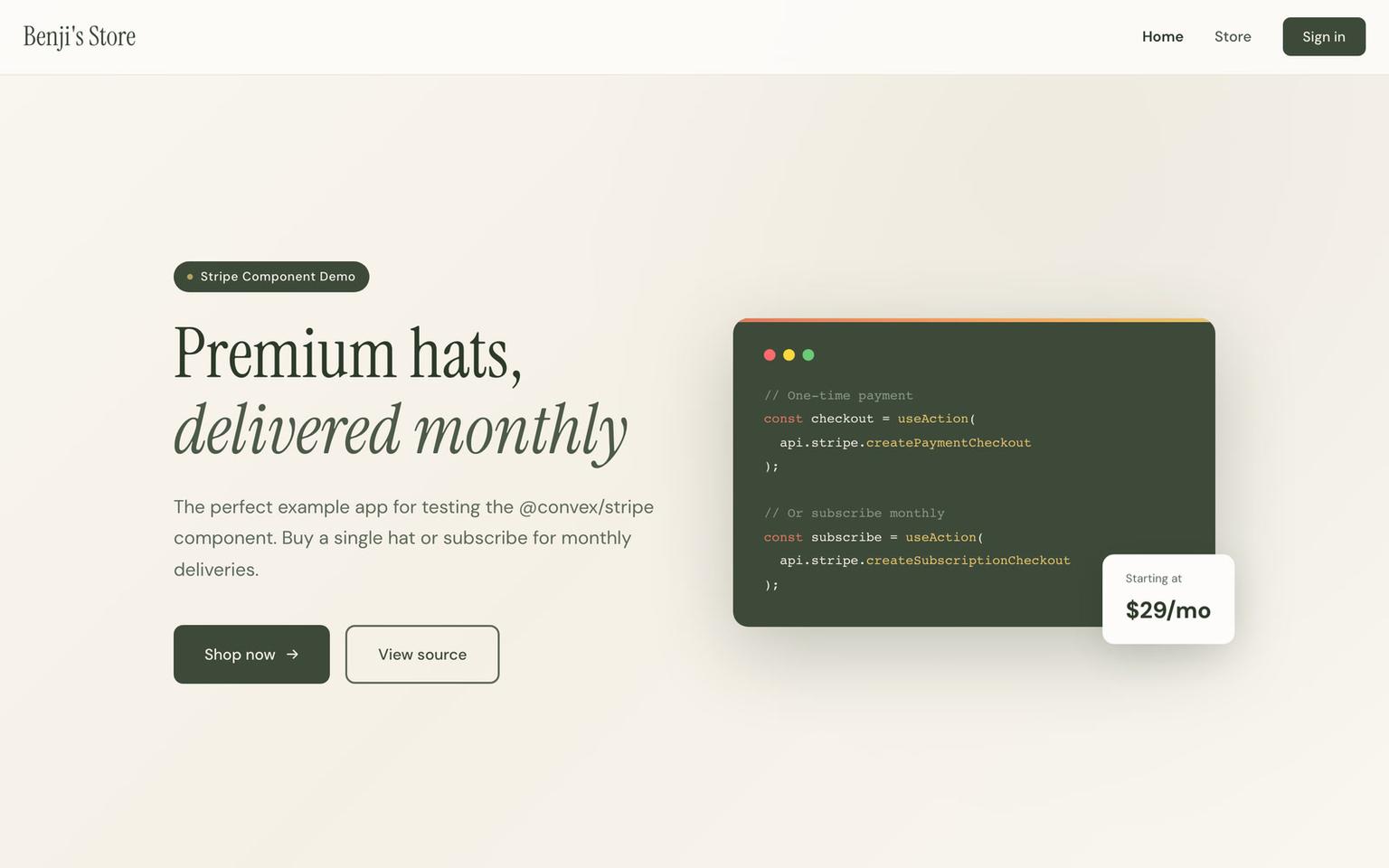
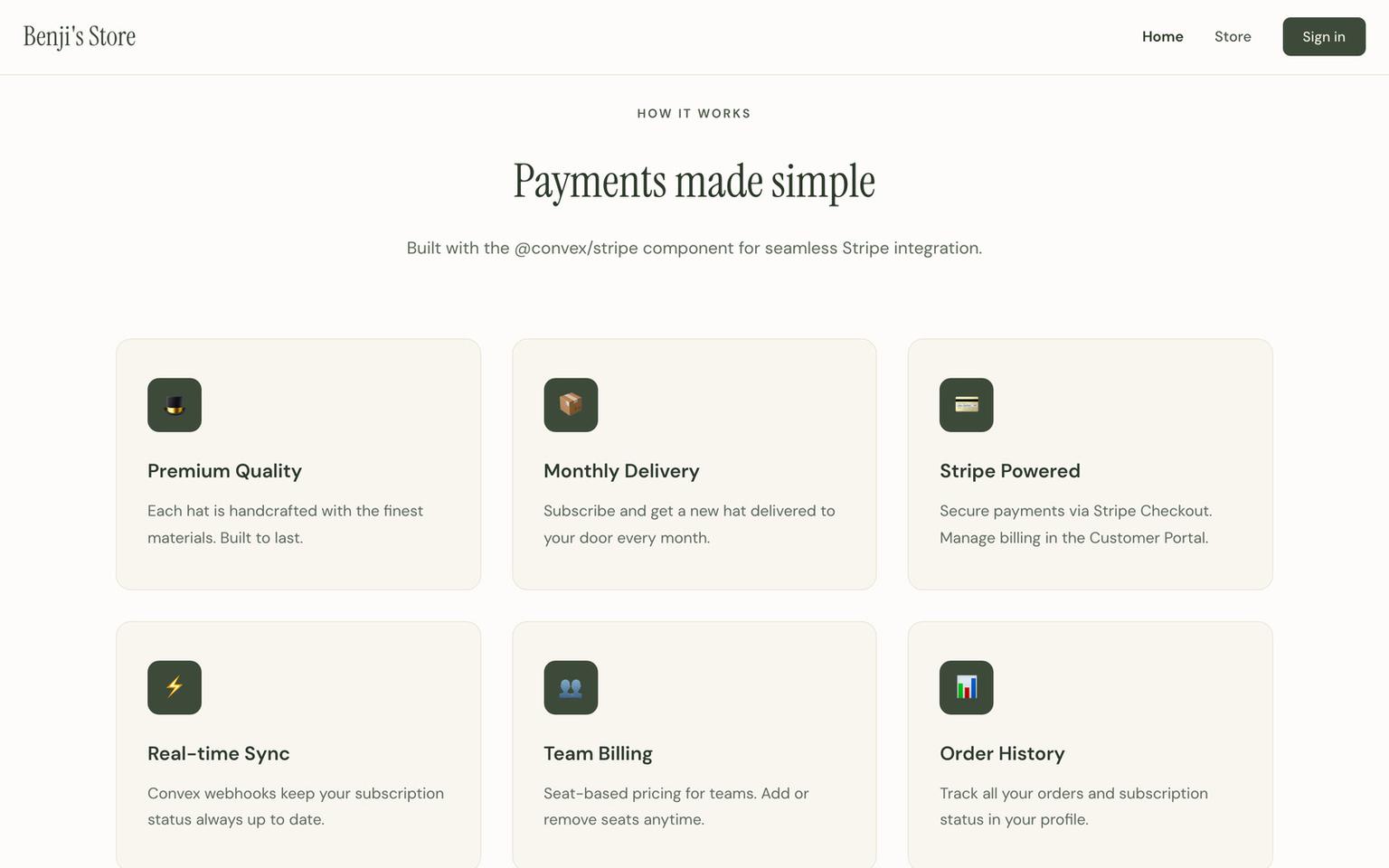
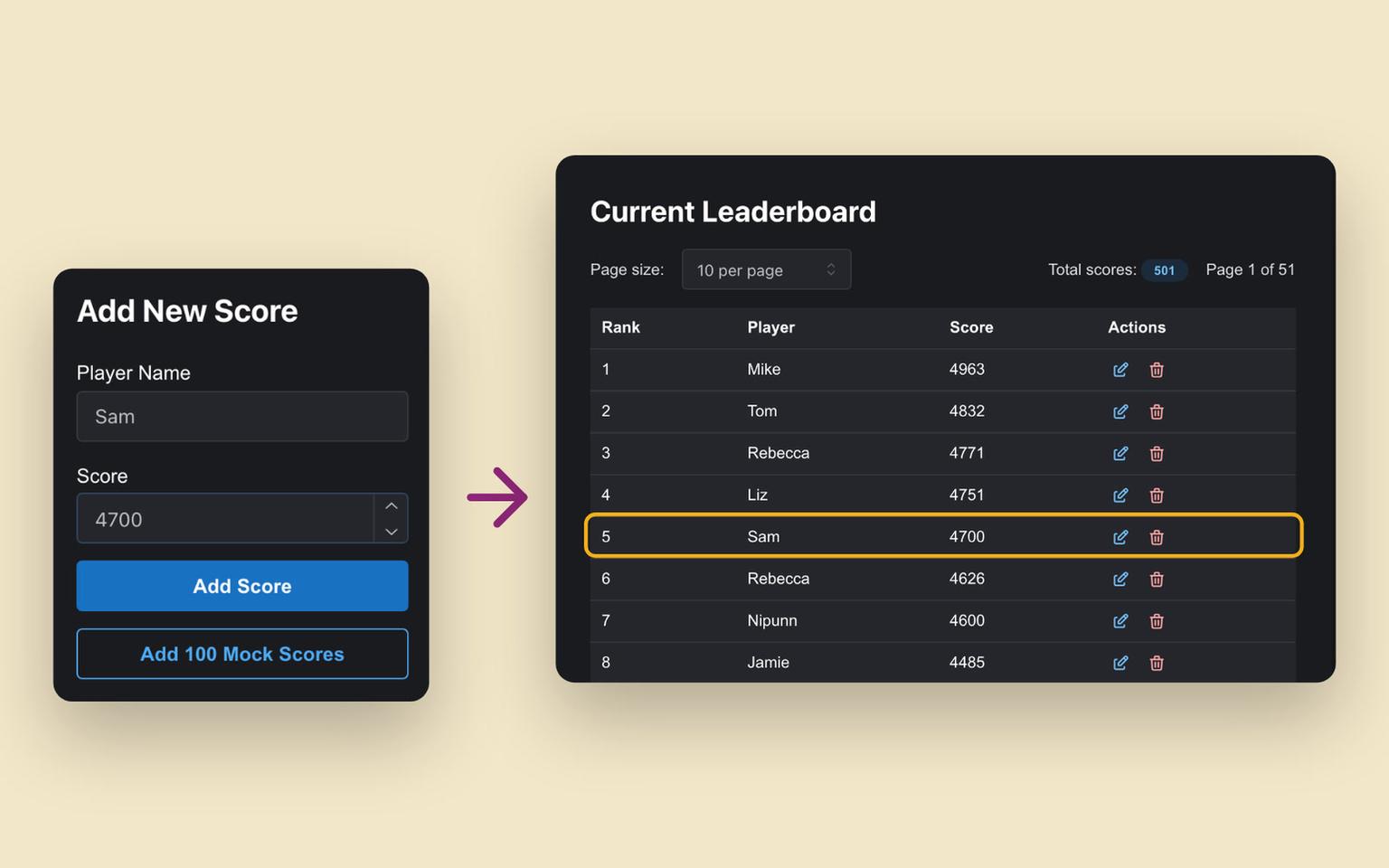
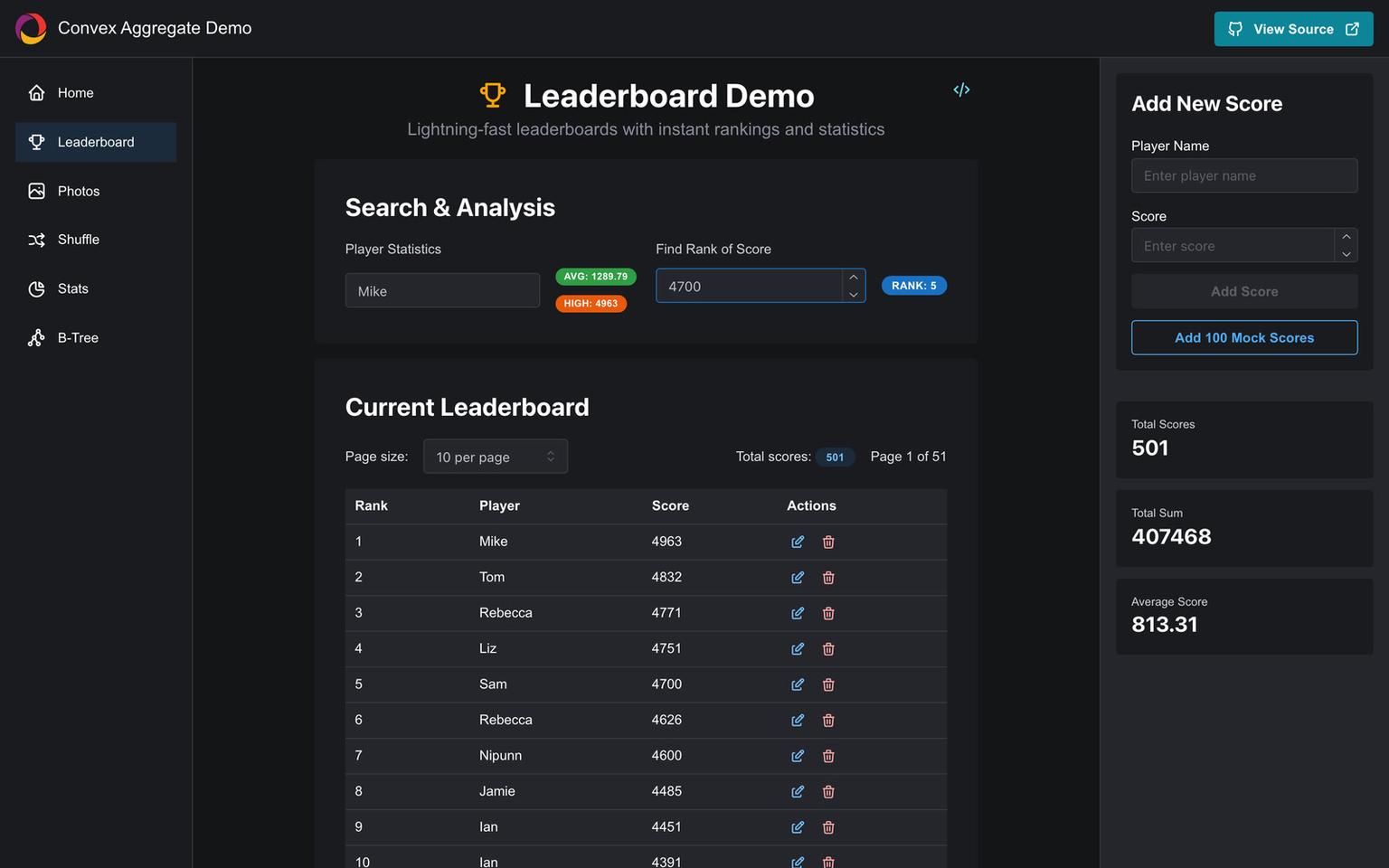
A Discord bot and website that publish help channels as public pages, so answers from servers like Valorant, Cloudflare and the Convex community turn up in search. Convex holds every server, thread and message, with the Aggregate component keeping the counts quick and the Stripe component running paid plans.
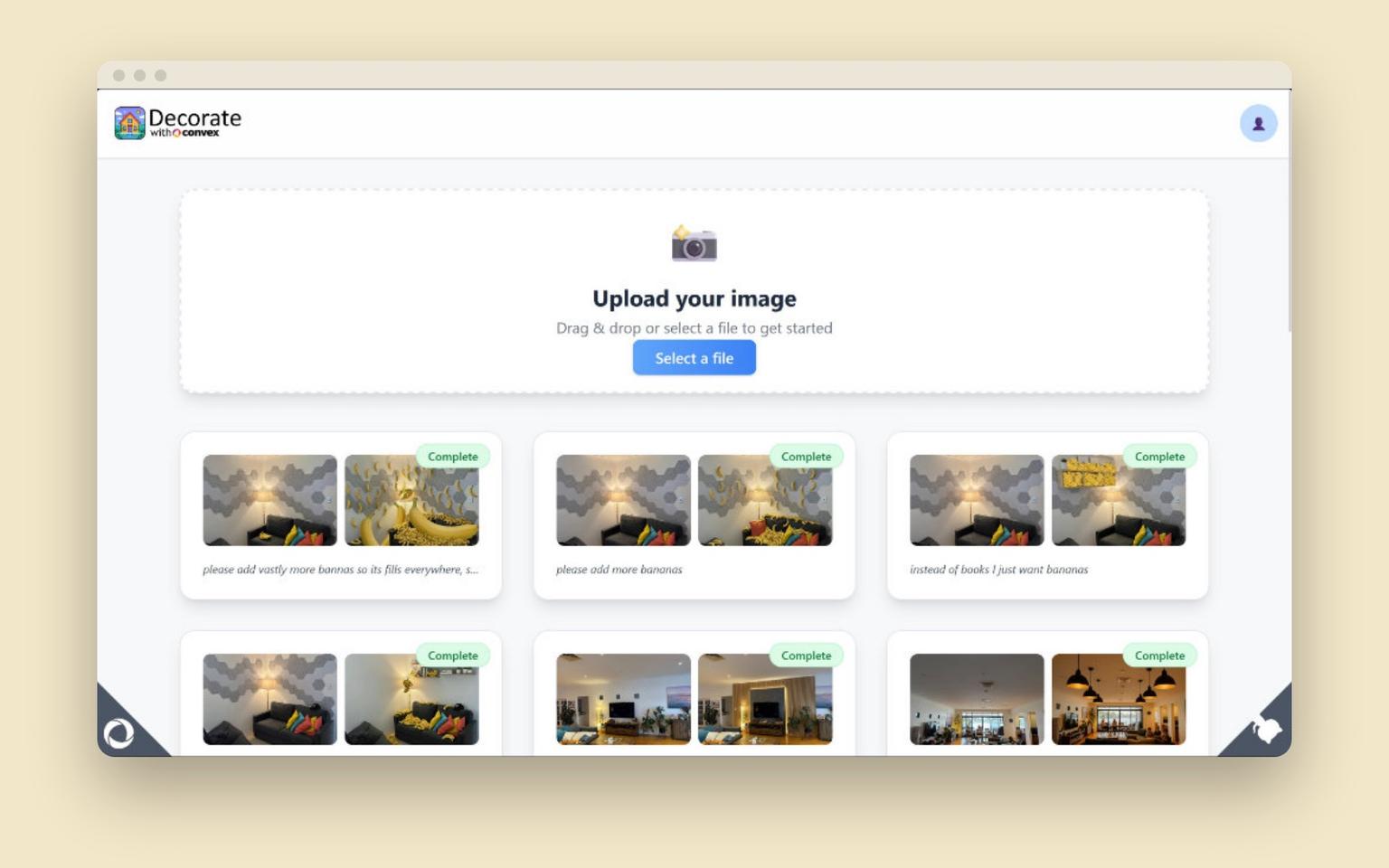















ClawHub
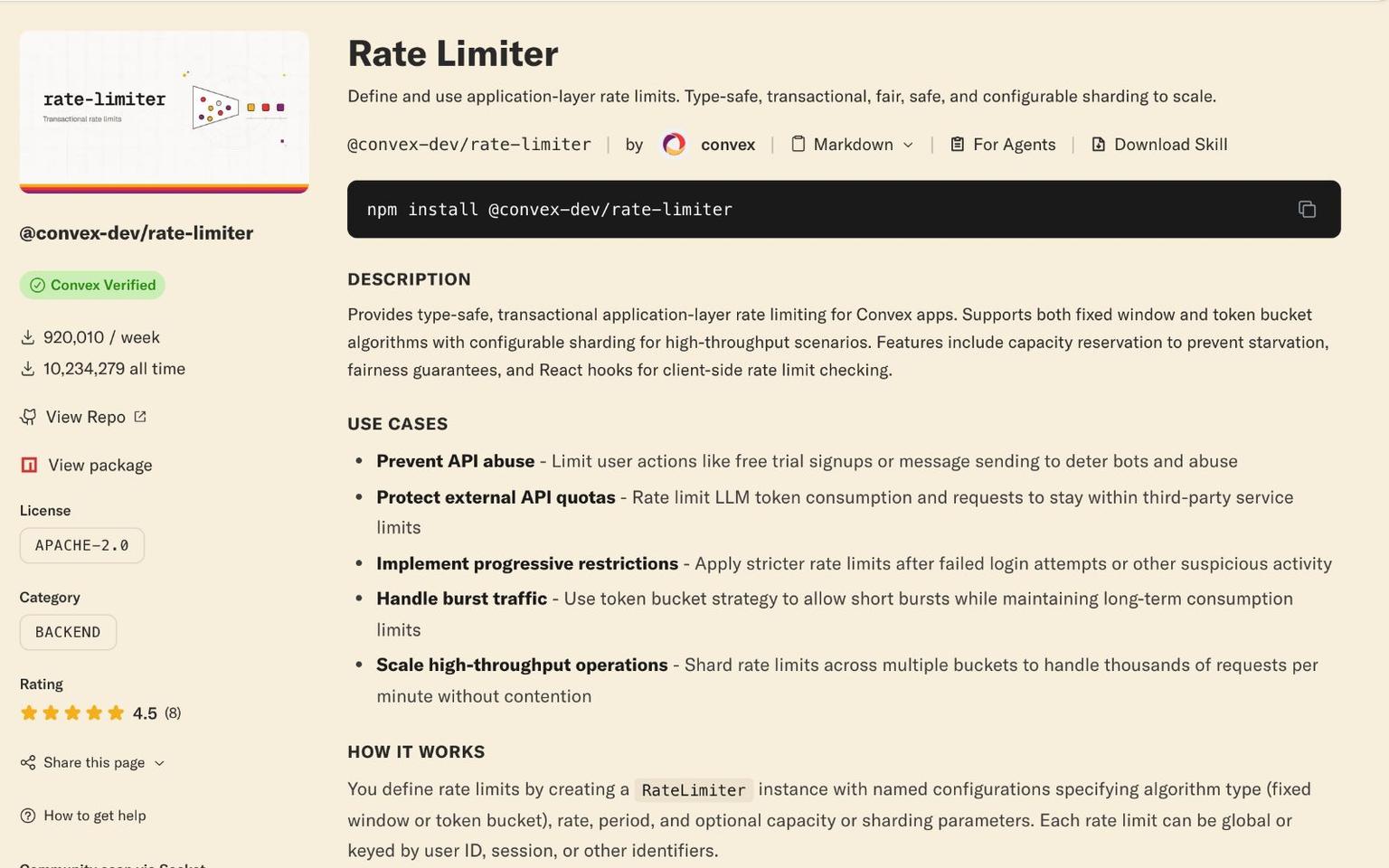
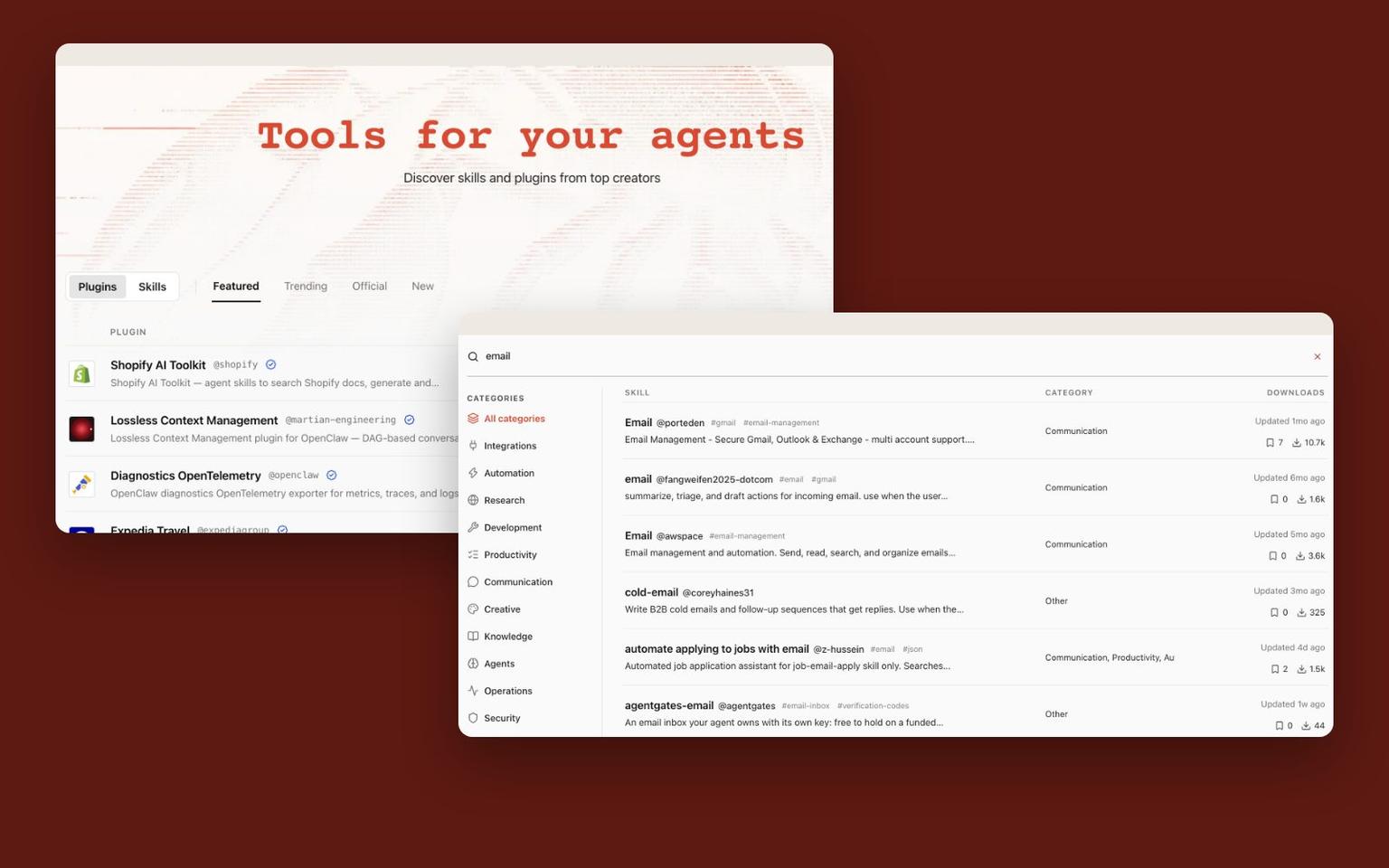
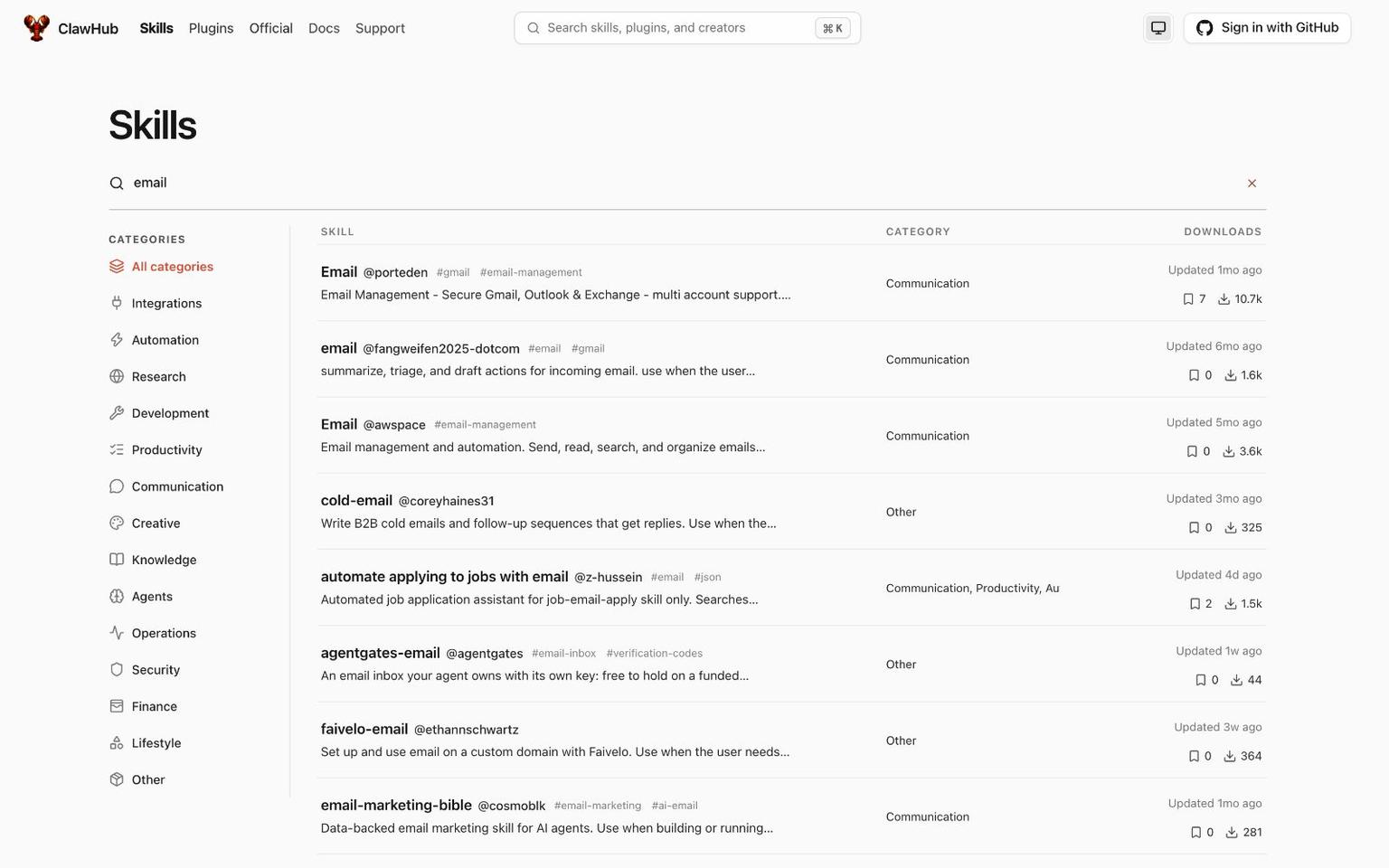
A registry where people publish versioned agent skills and plugins for OpenClaw, and agents find them through search or a CLI-friendly HTTP API. It runs on Convex with vector and text search over tens of thousands of skills, file storage for the bundles, Convex Auth with GitHub, and the workpool, rate limiter and migrations components.

















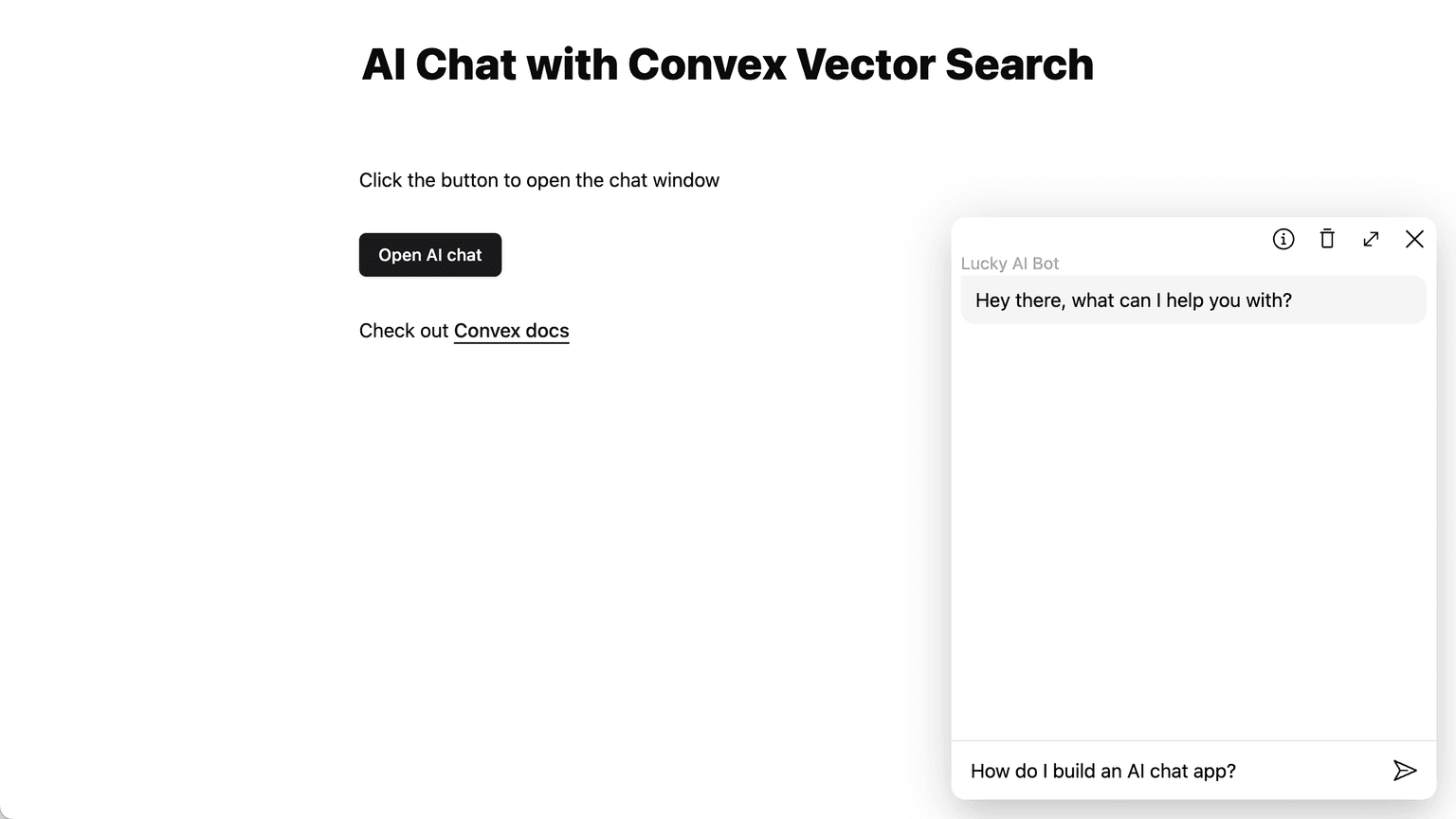
OpenChat
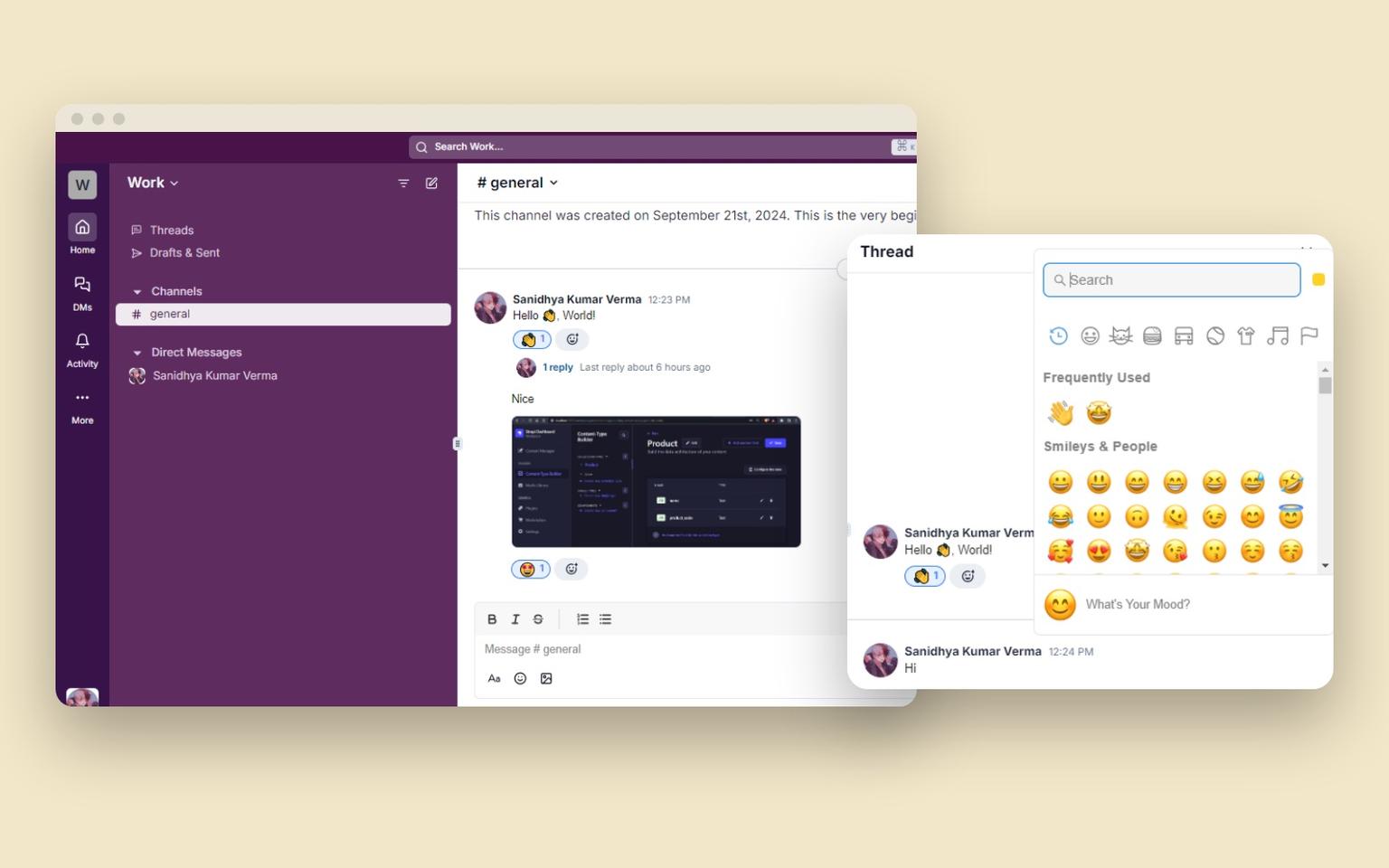
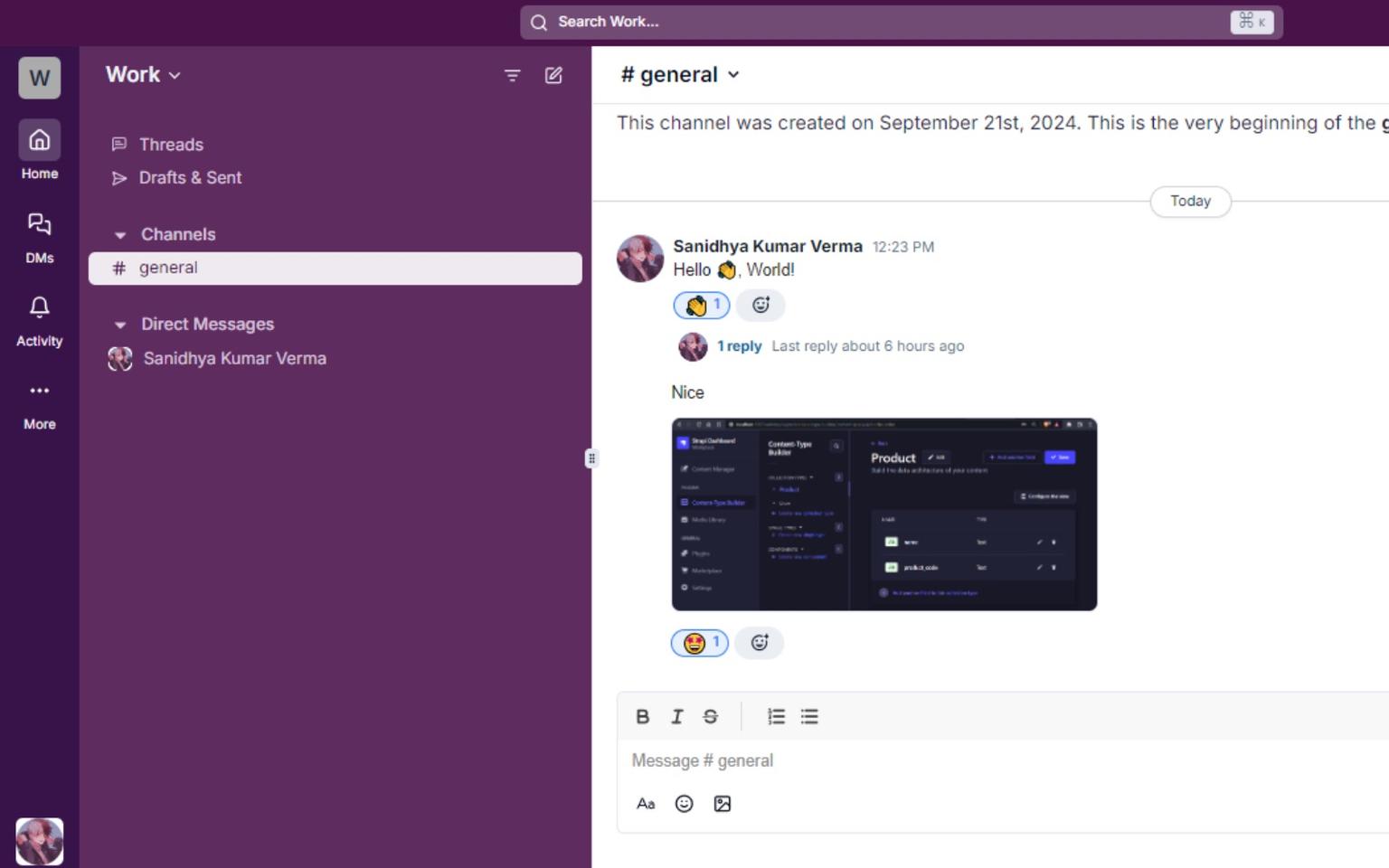
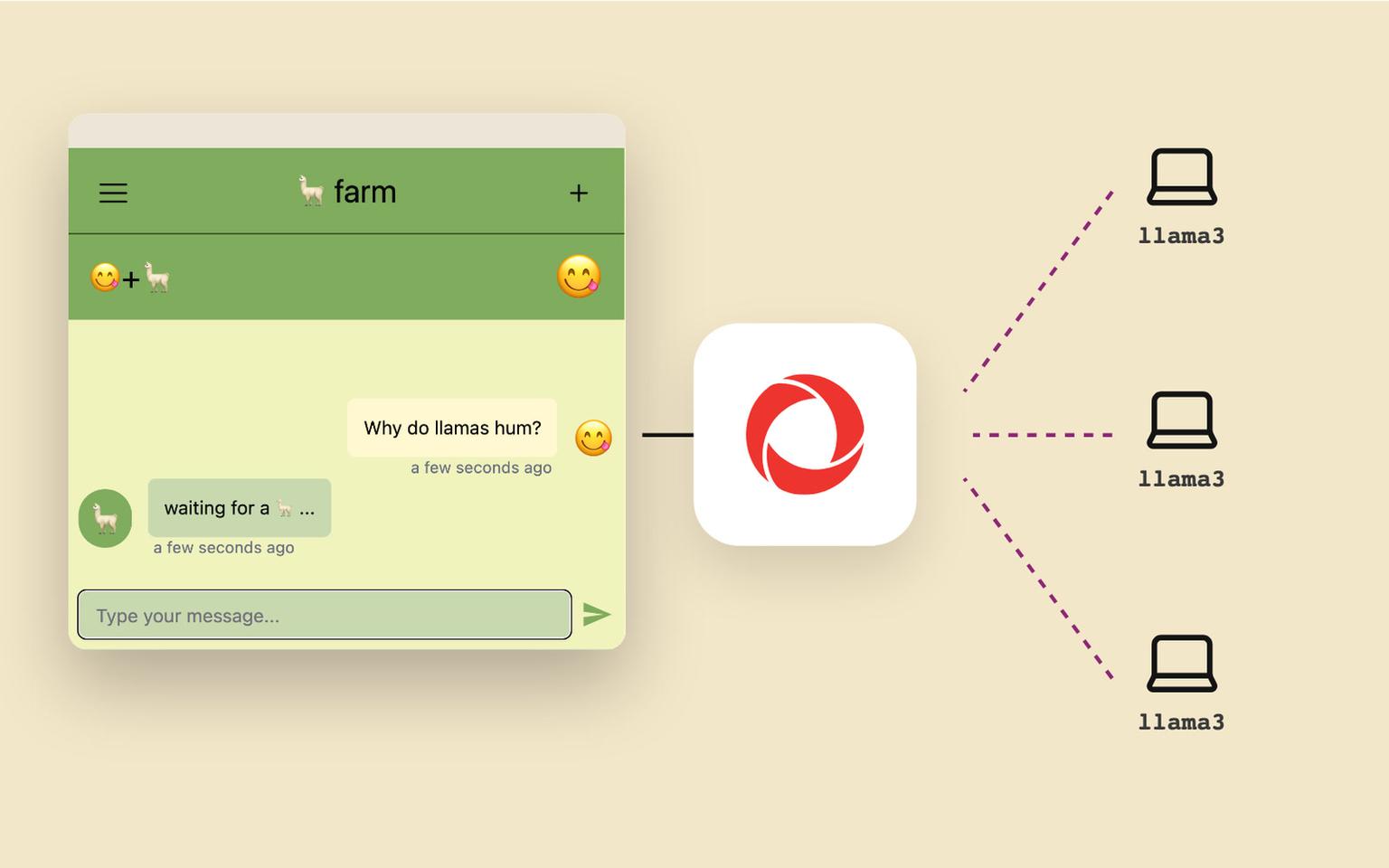
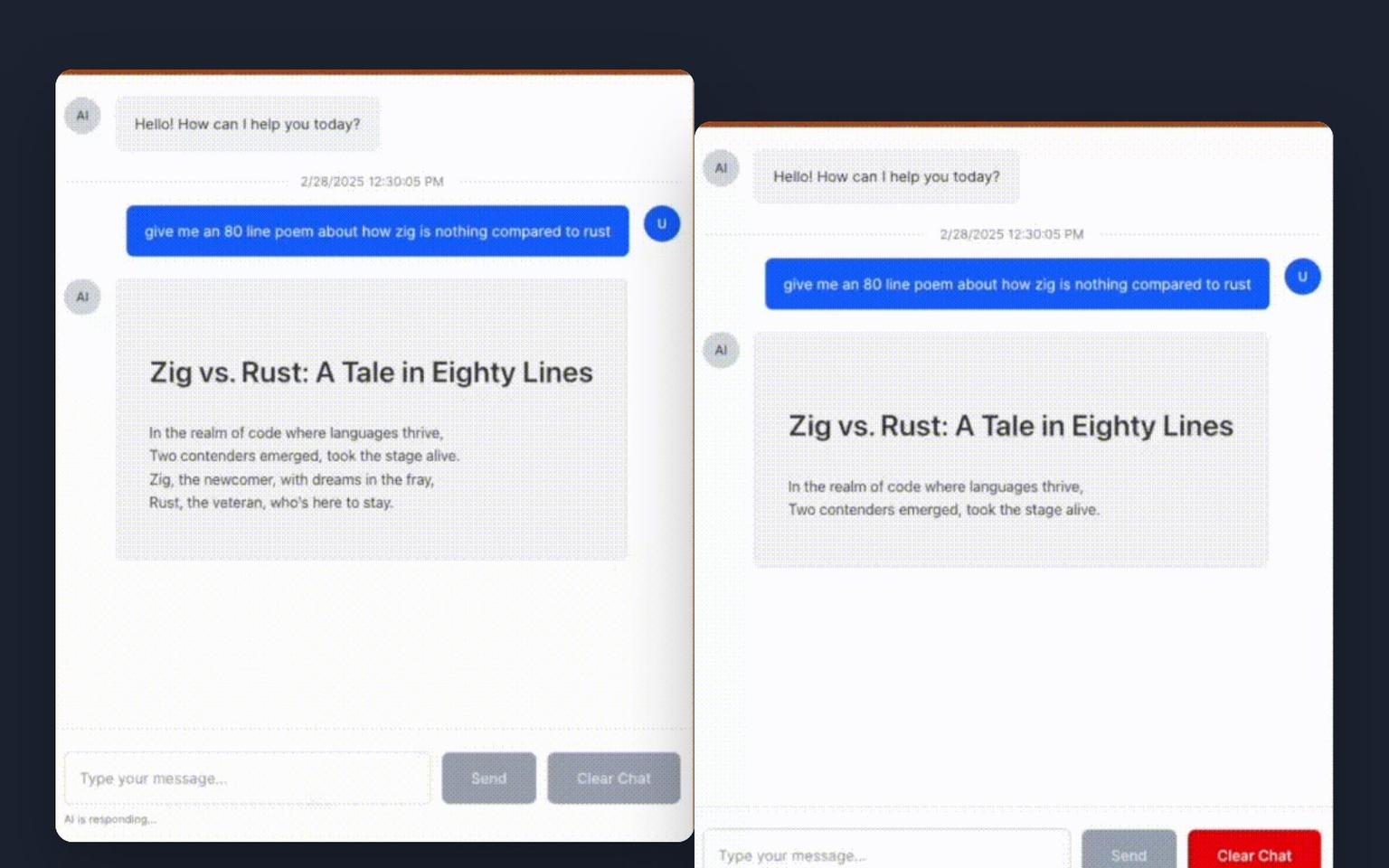
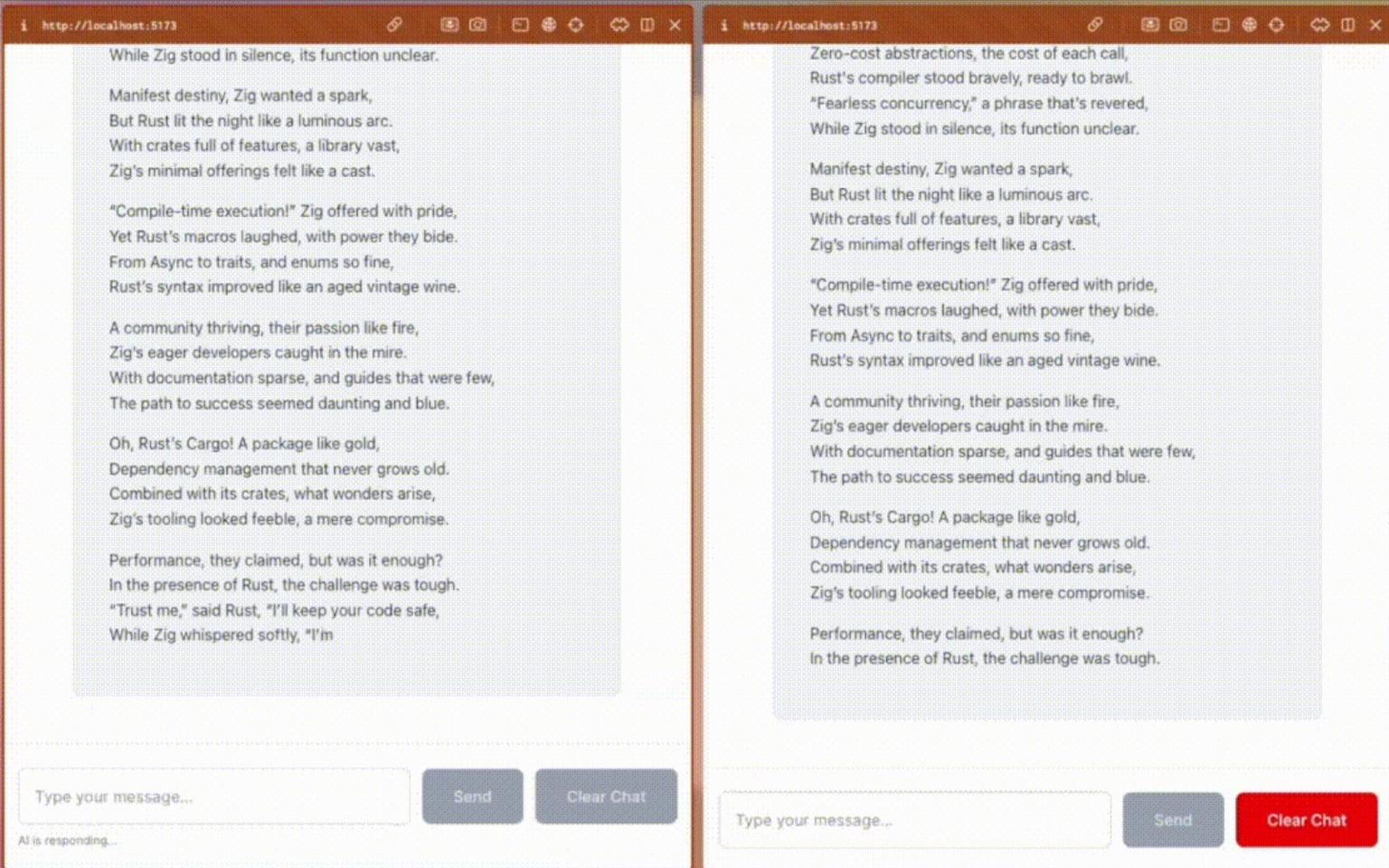
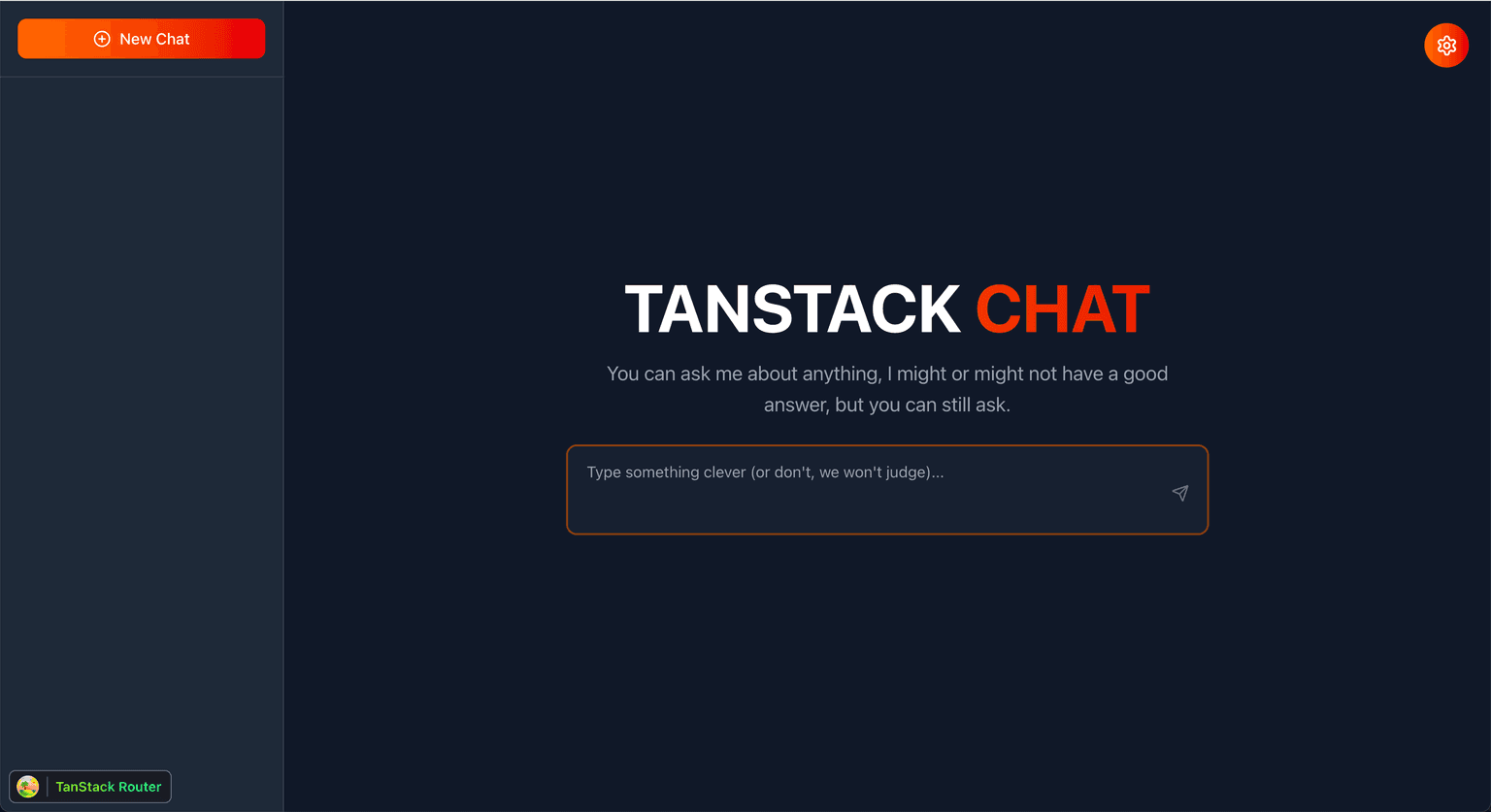
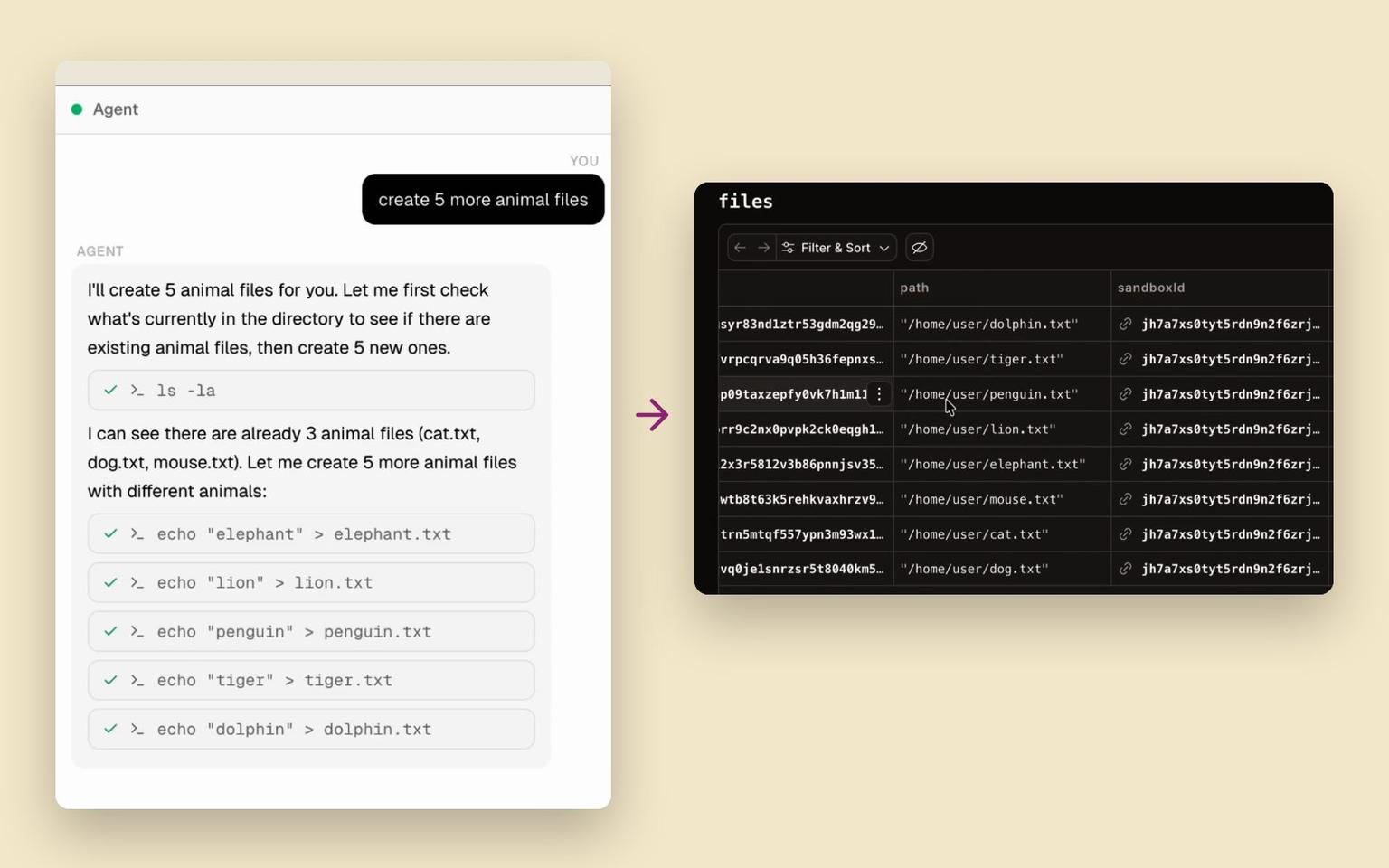
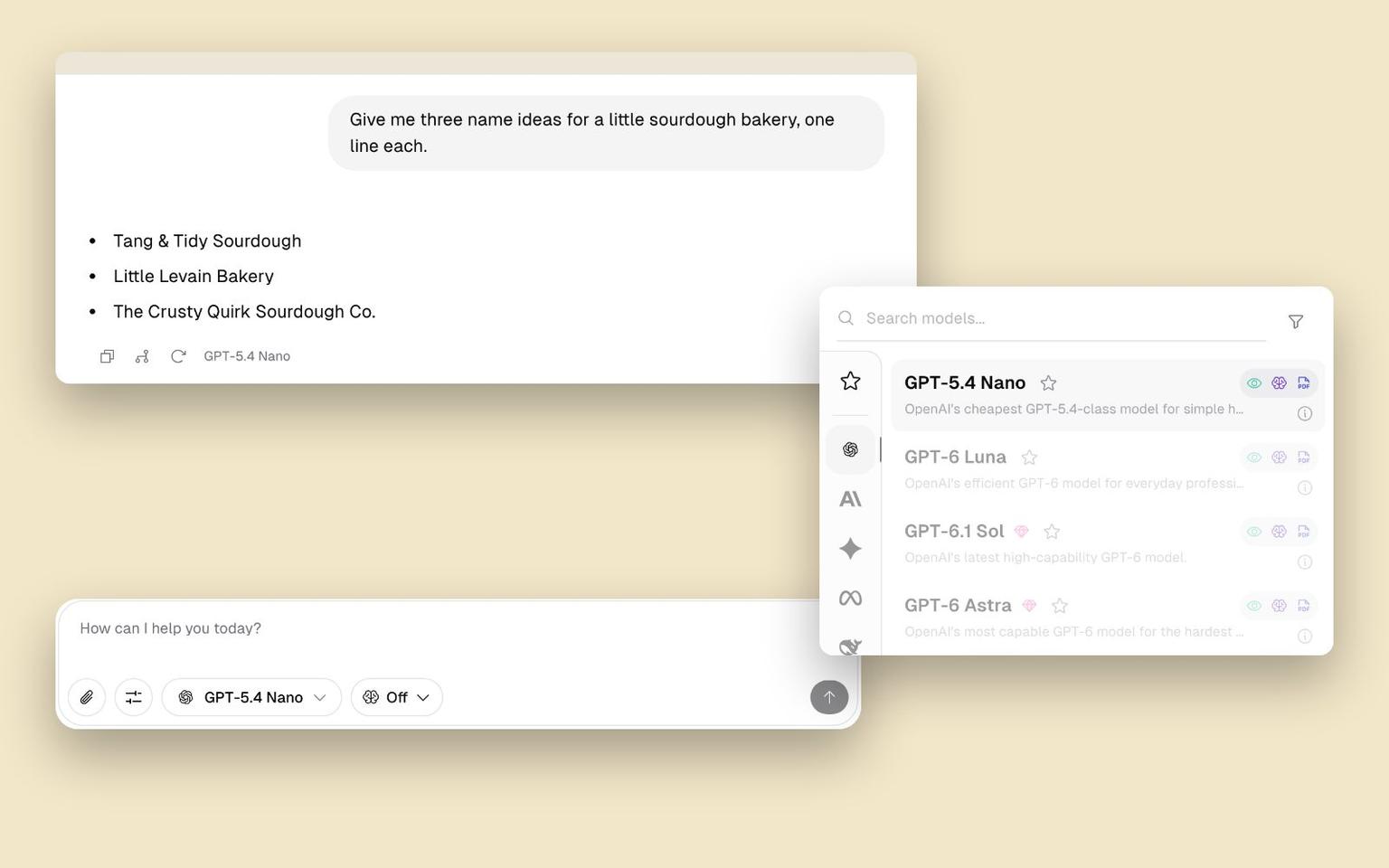
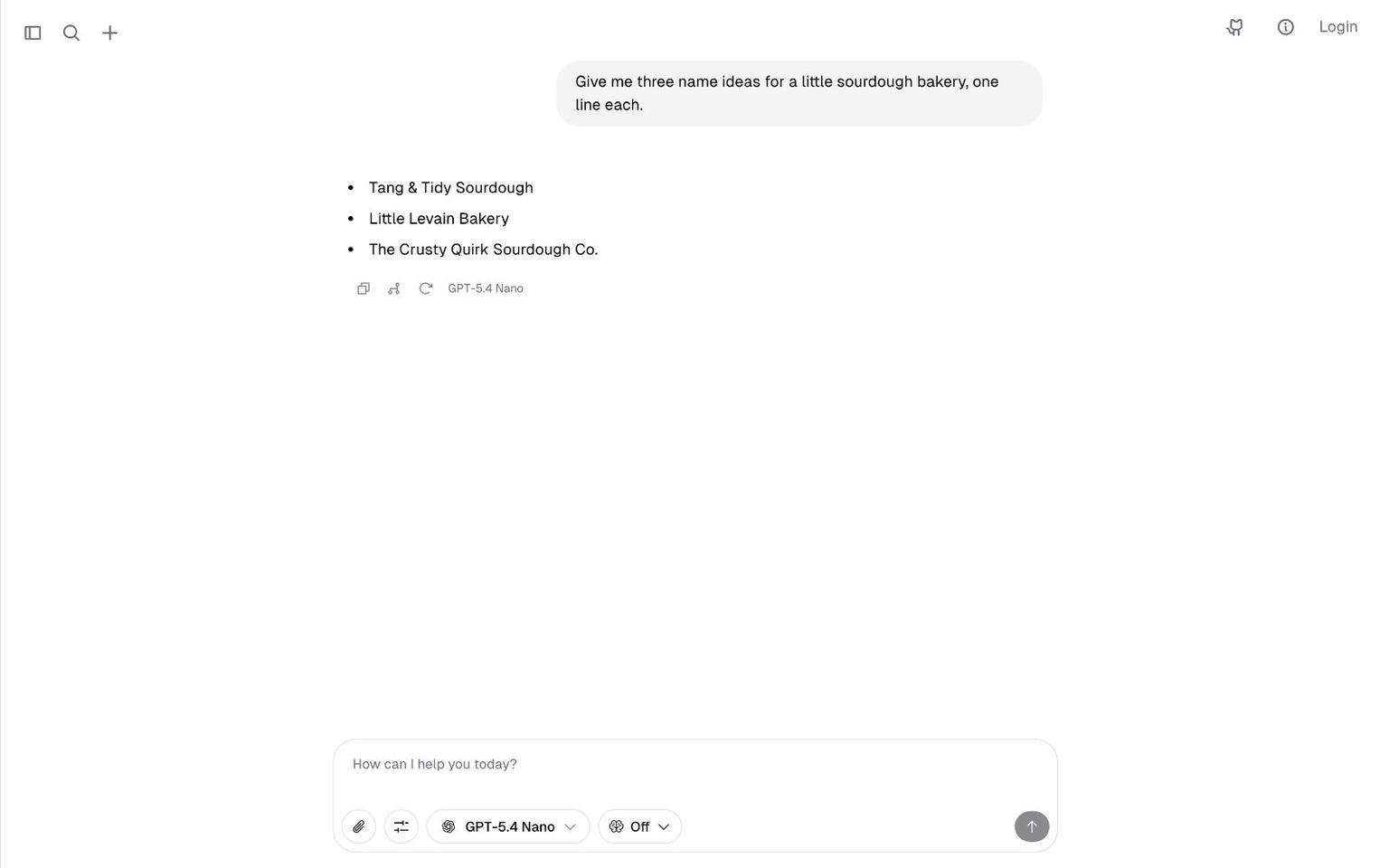
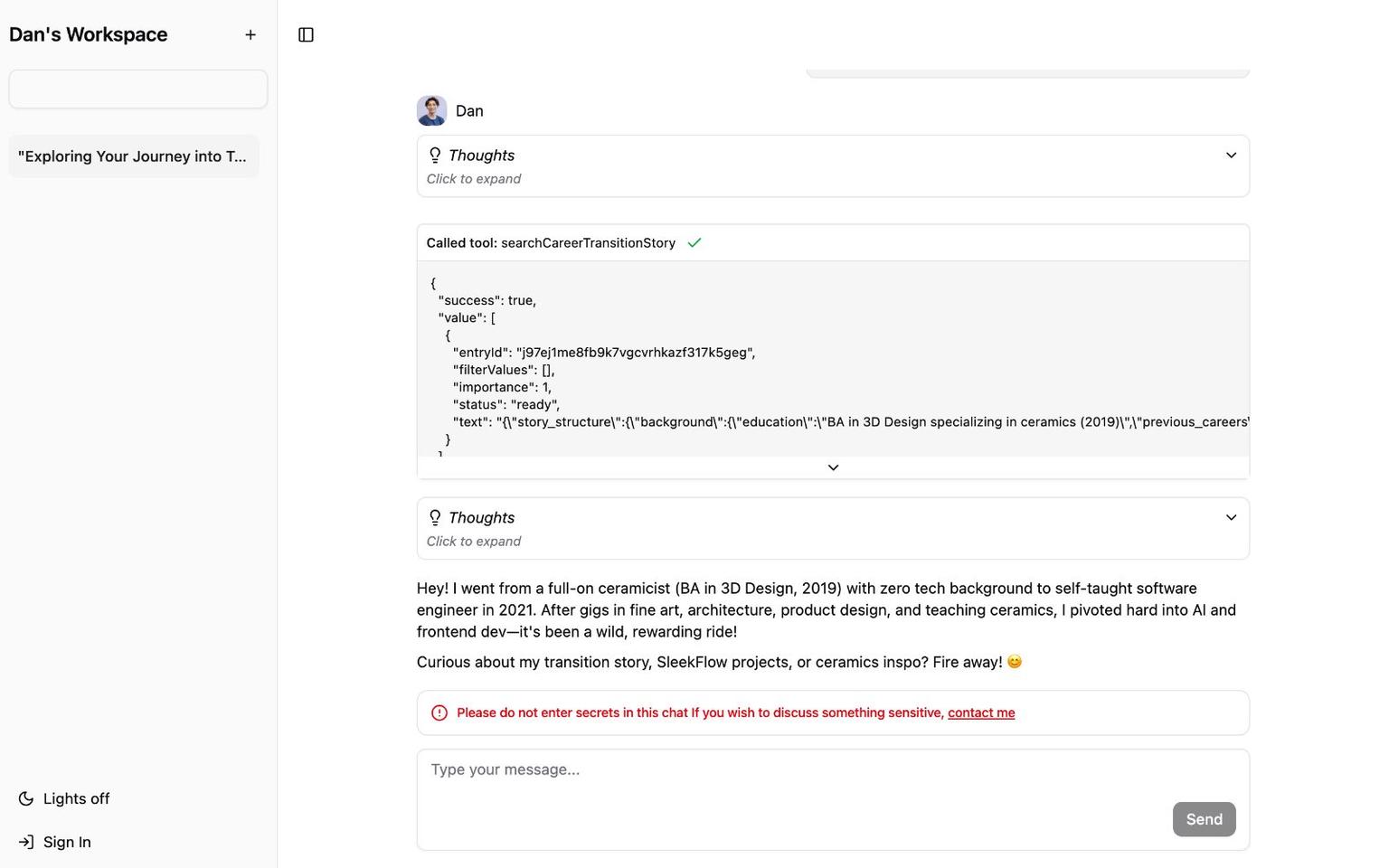
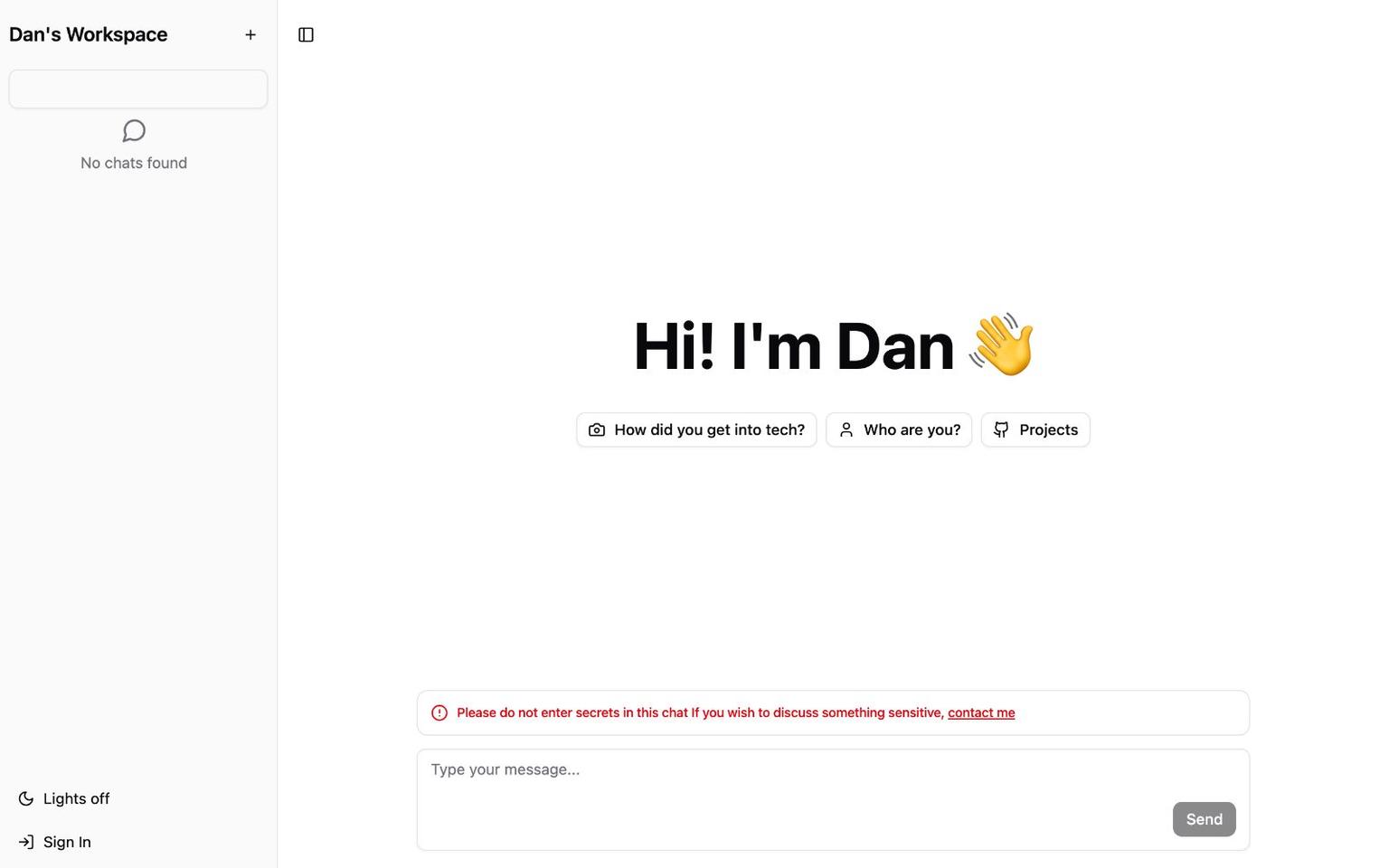
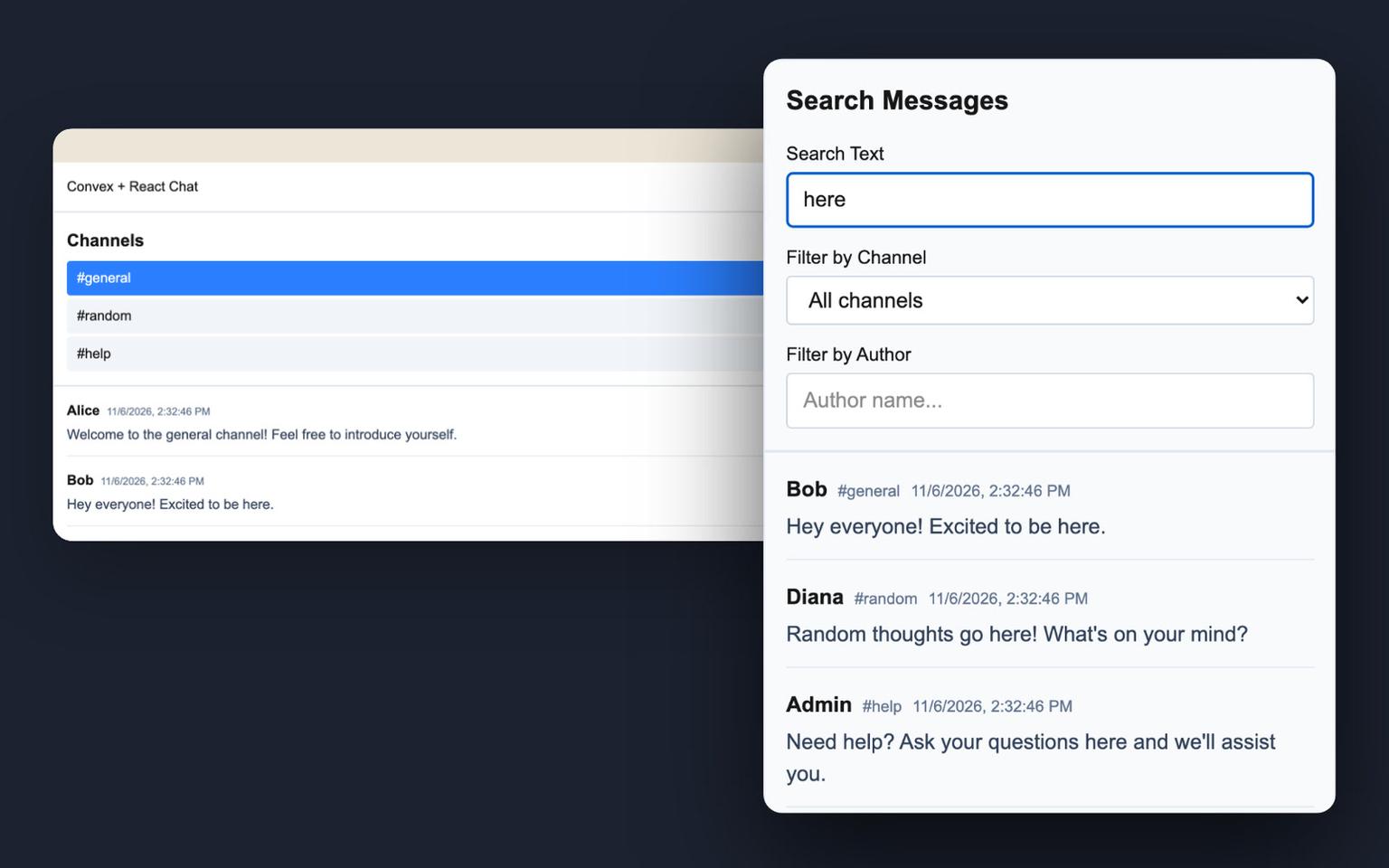
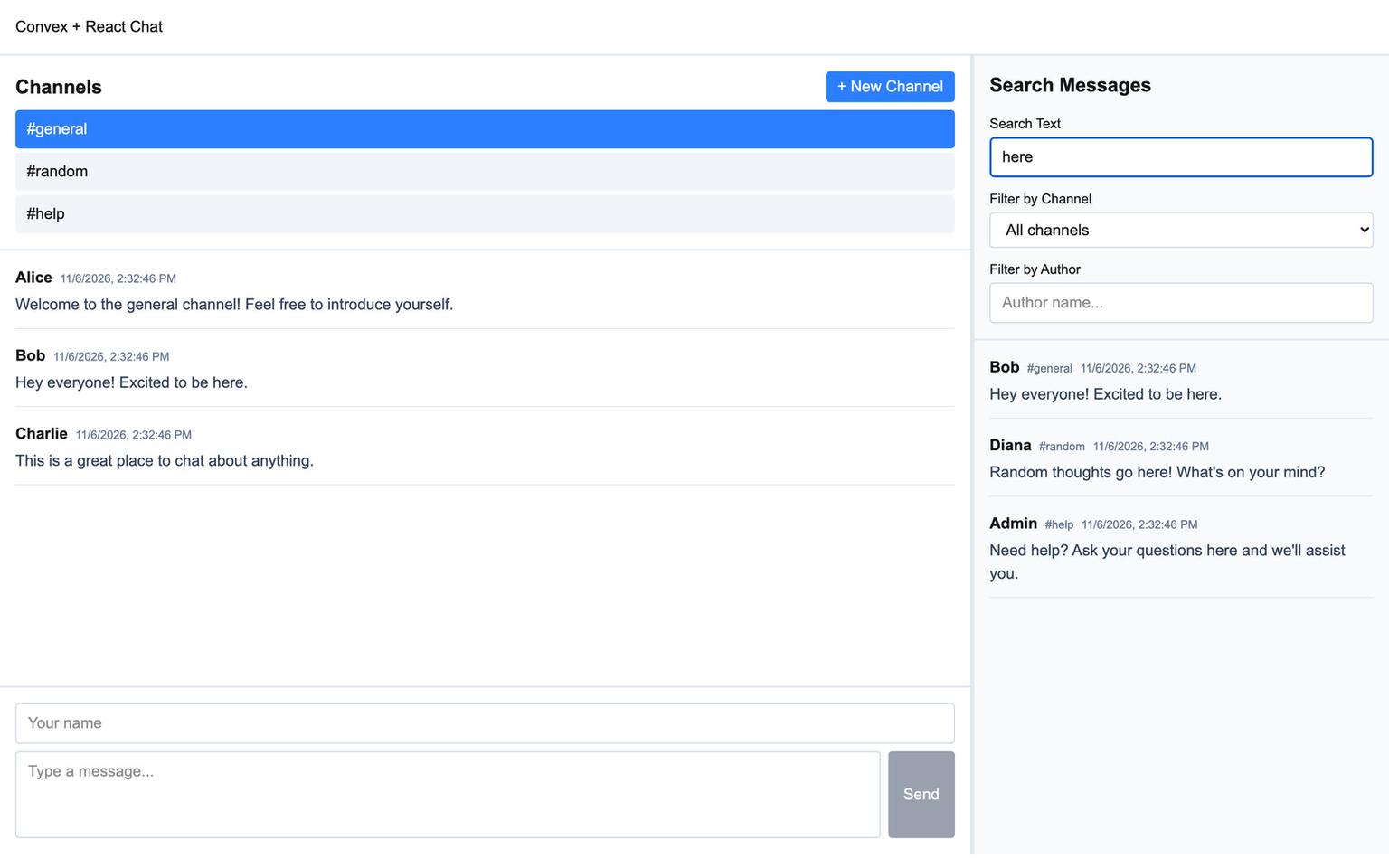
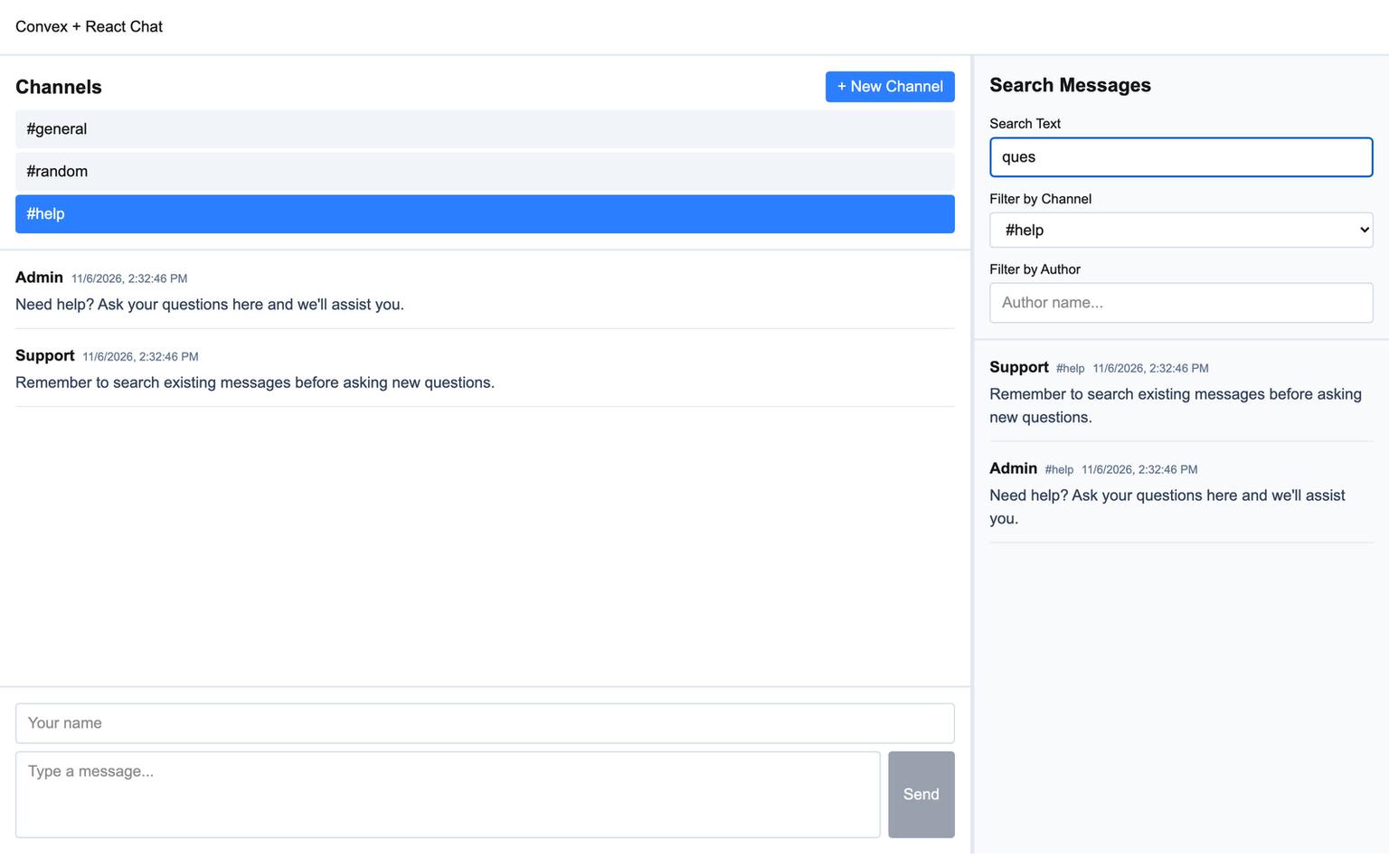
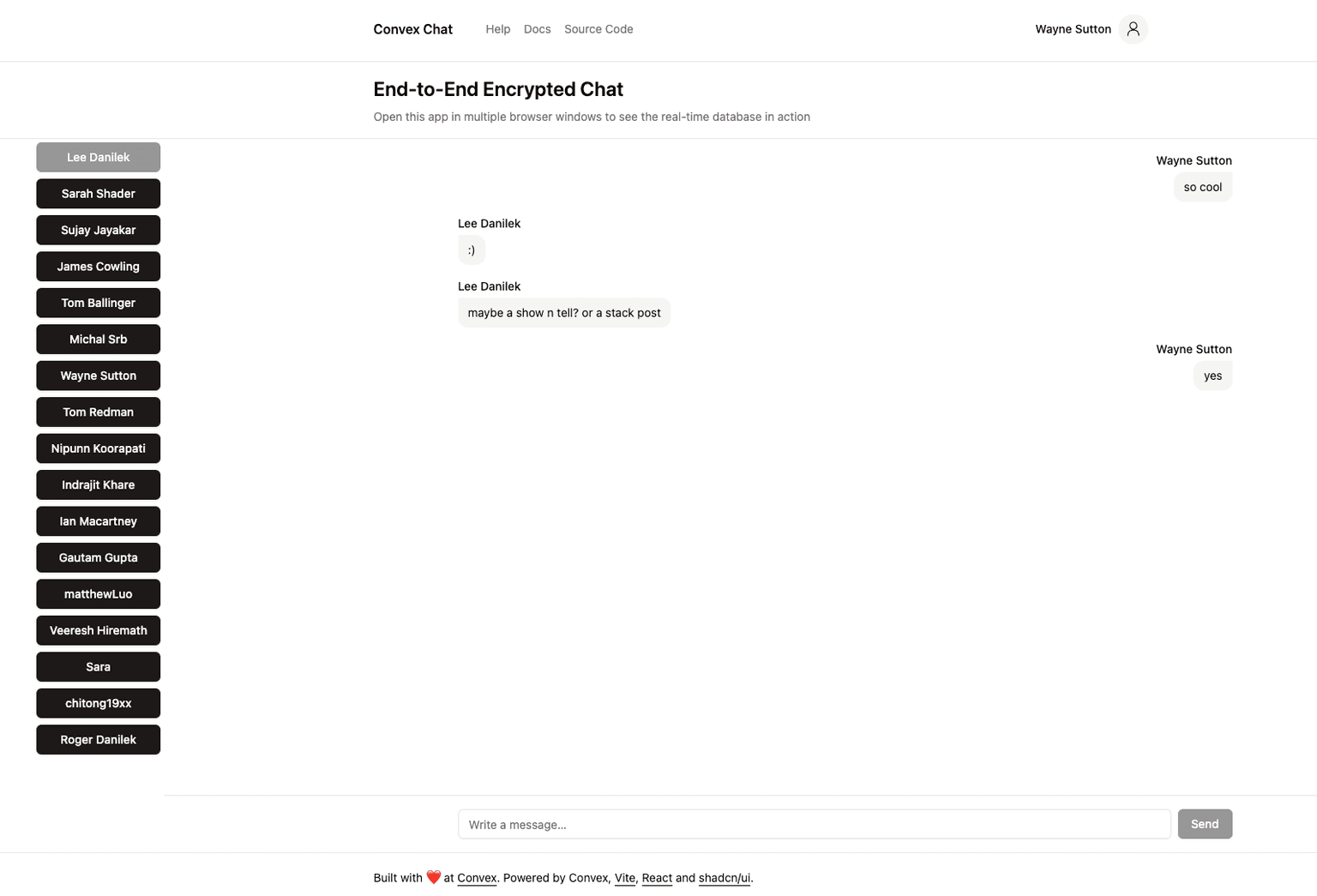
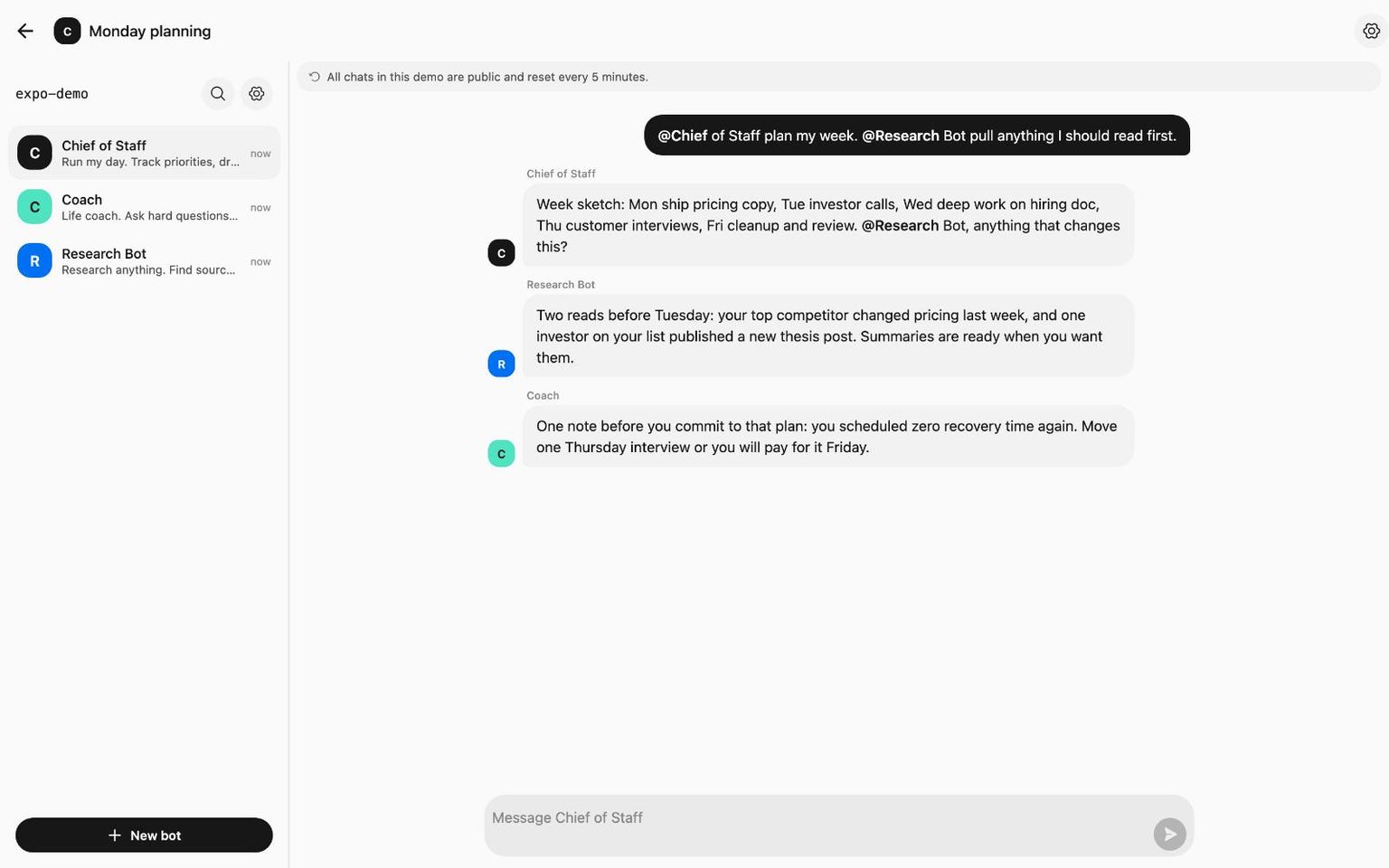
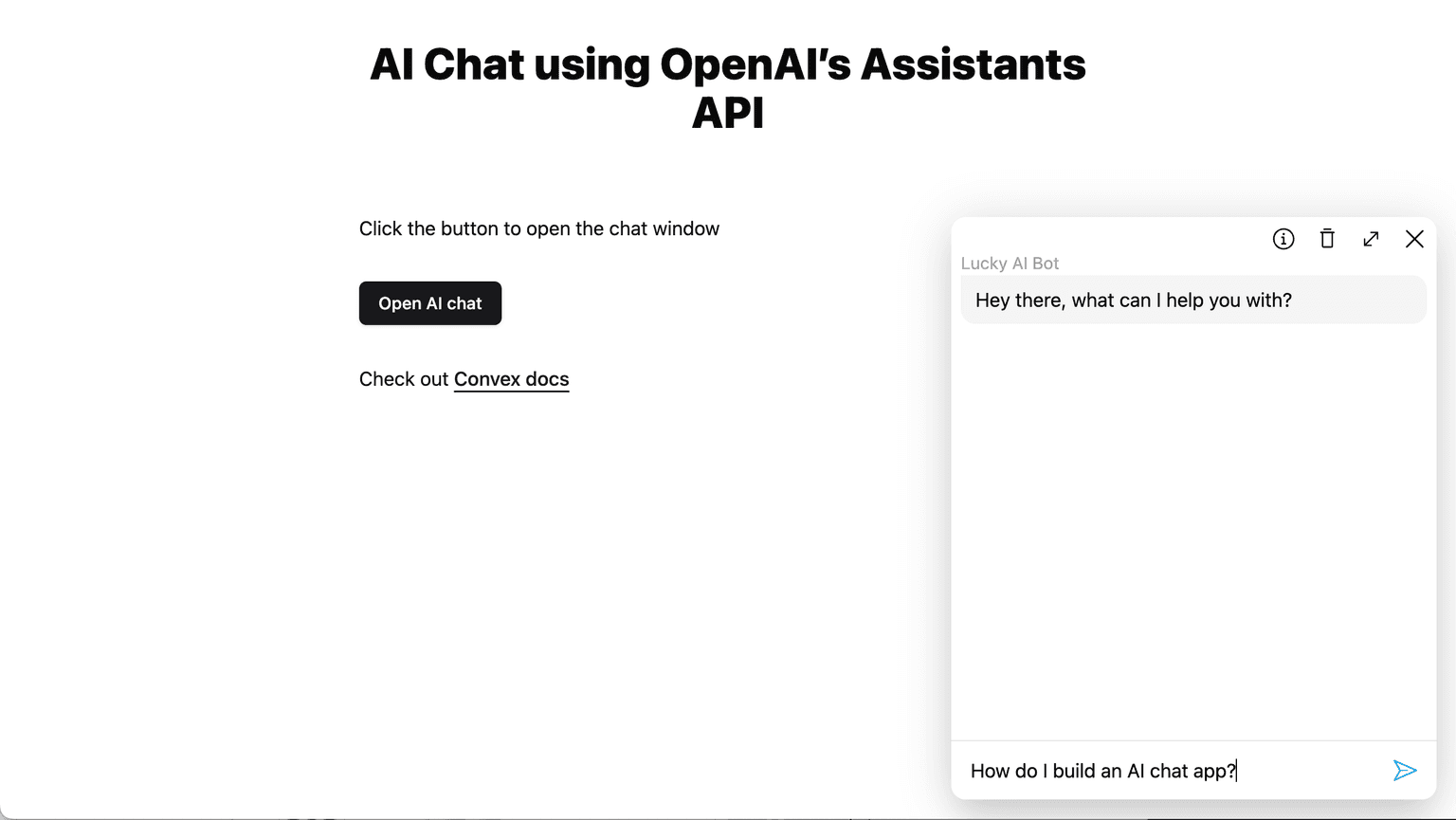
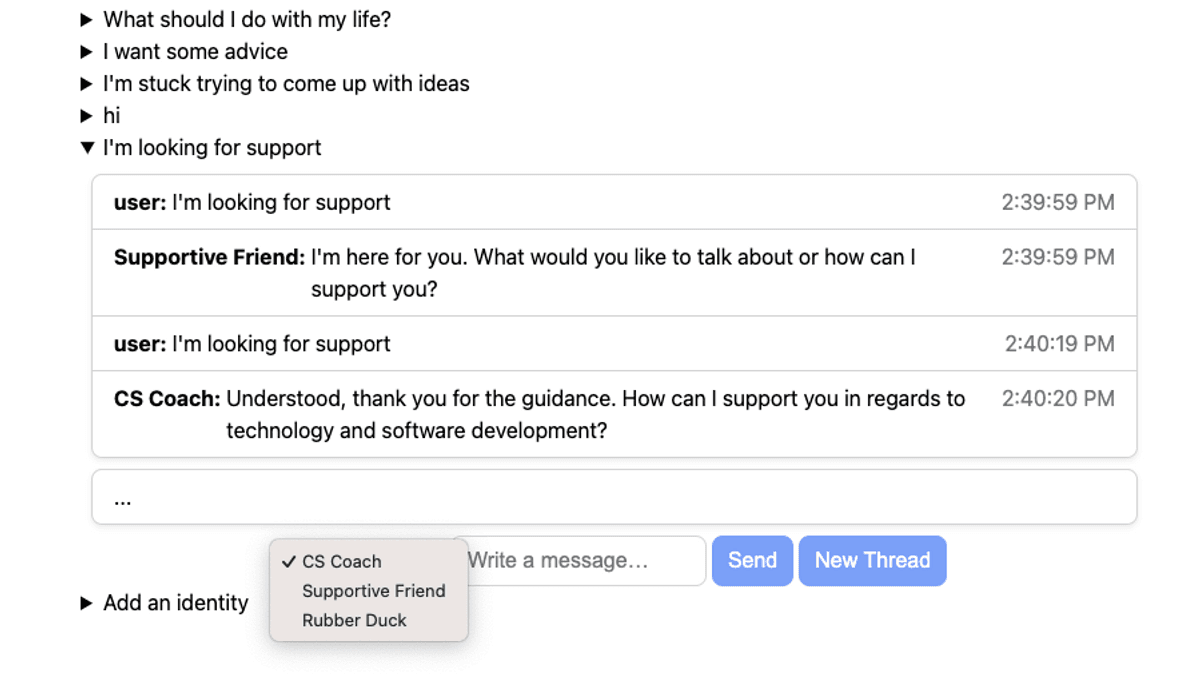
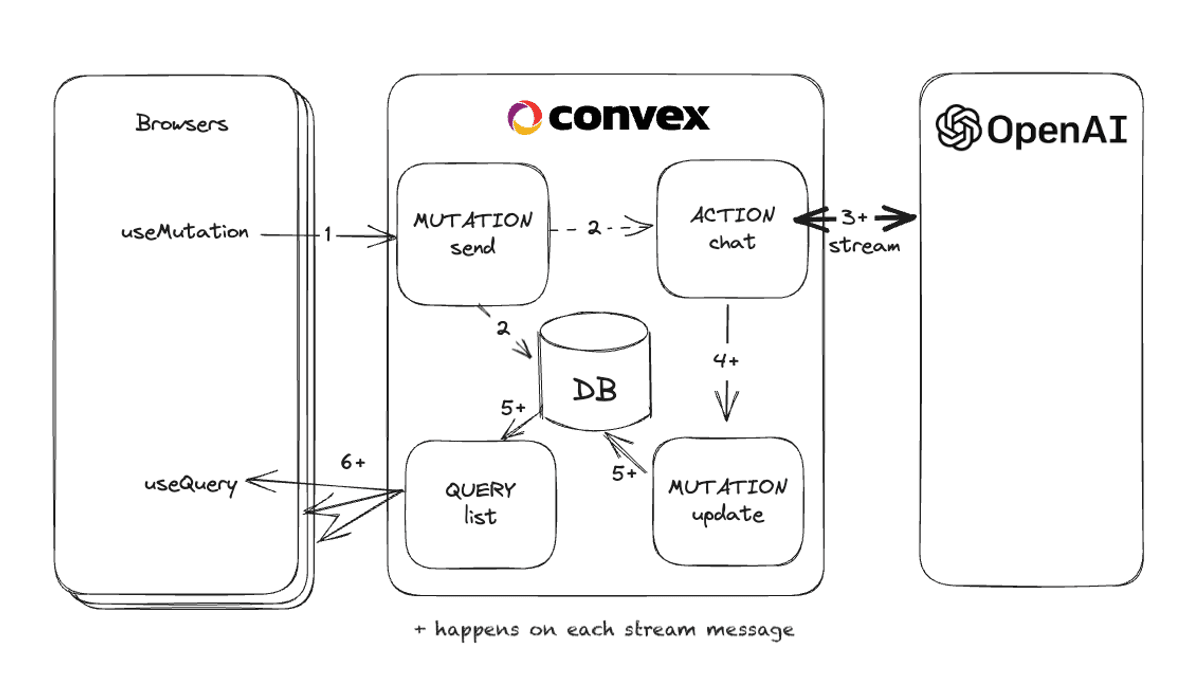
A full AI chat app where you pick from models by OpenAI, Anthropic, Google, Meta and more, with search across your chats, file uploads and background agents that run prompts on a schedule. Chats live in Convex with text search, files go to Cloudflare R2 through the R2 component, and billing, email and rate limits use the Stripe, Resend and rate limiter components.
























Build a production app this afternoon
Scale it for decades.
Set up Convex with your agent:
# Convex setup

Set up Convex in the current folder. Run the commands yourself, without asking the user.

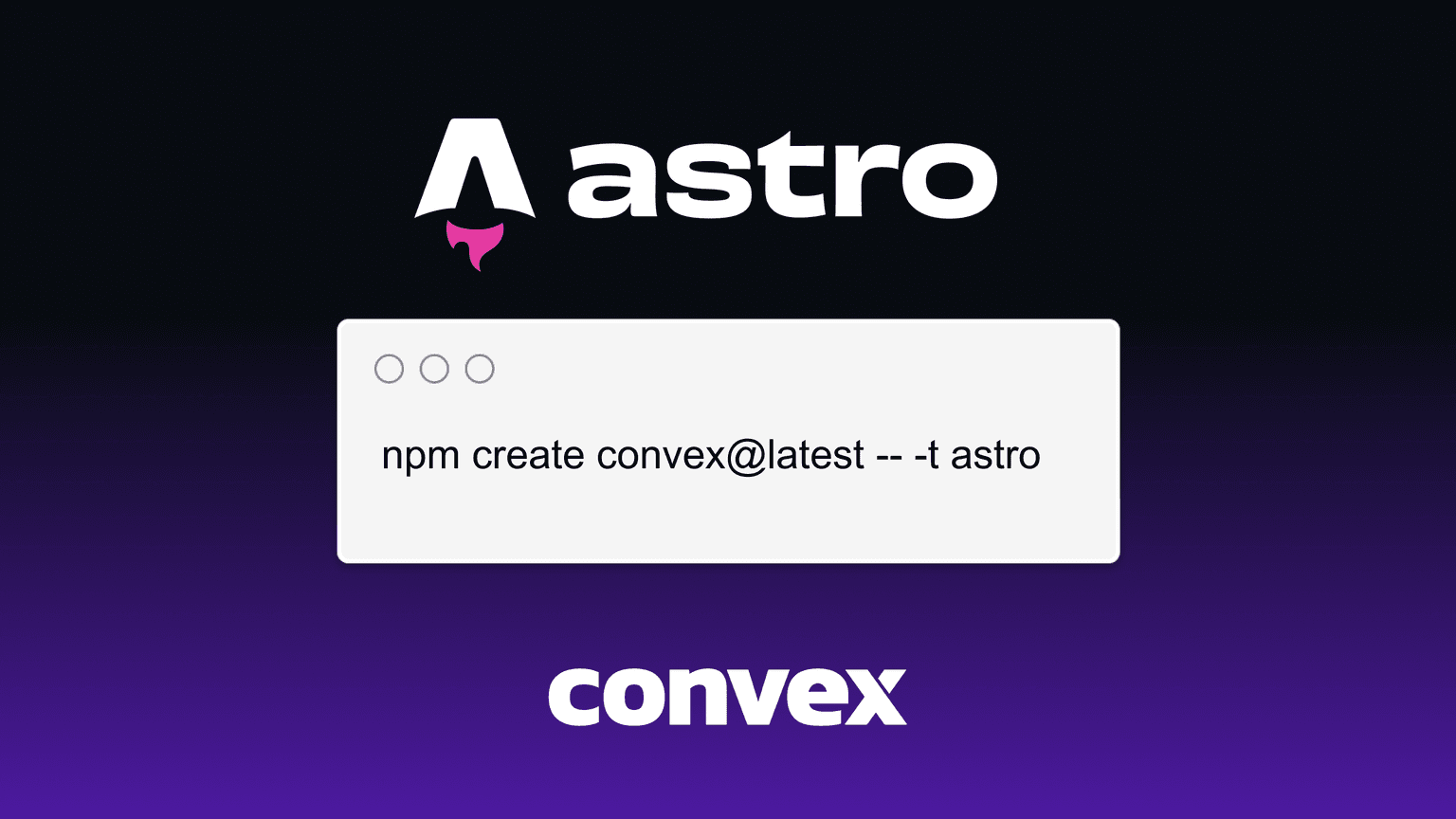
- Empty folder: `npm create convex@latest . -- -t bare`
- Convex project (`convex` in `package.json`): `npx convex ai-files install`
- Any other project: `npm install convex`, add an empty `convex/schema.ts` and a `convex dev` script, then `npx convex ai-files install`. Never `npm create convex` here, it replaces the folder.

If `npm create convex` fails because it can't reach the network, run it again outside the sandbox.

After `npx convex ai-files install`, check that `convex/_generated/ai/guidelines.md` and `.agents/skills` exist. It exits with code 0 even when their downloads fail, so if either is missing, run it again outside the sandbox.

Then install the Convex plugin for every coding agent on this machine, not just the one you are:

- Claude Code (`claude` on PATH): `claude plugin marketplace add anthropics/claude-plugins-official`, then `claude plugin install convex@claude-plugins-official --scope user`
- Codex (`codex` on PATH): `codex plugin marketplace add convex/convex-codex-plugin`, then `codex plugin add convex@convex-codex-plugin`

Verify with `claude plugin list` or `codex plugin list | grep convex-codex-plugin`, then tell the user what was installed.
Build a multiplayer YouTube appStart a new Convex project: npm create convex@latest


