Back to Examples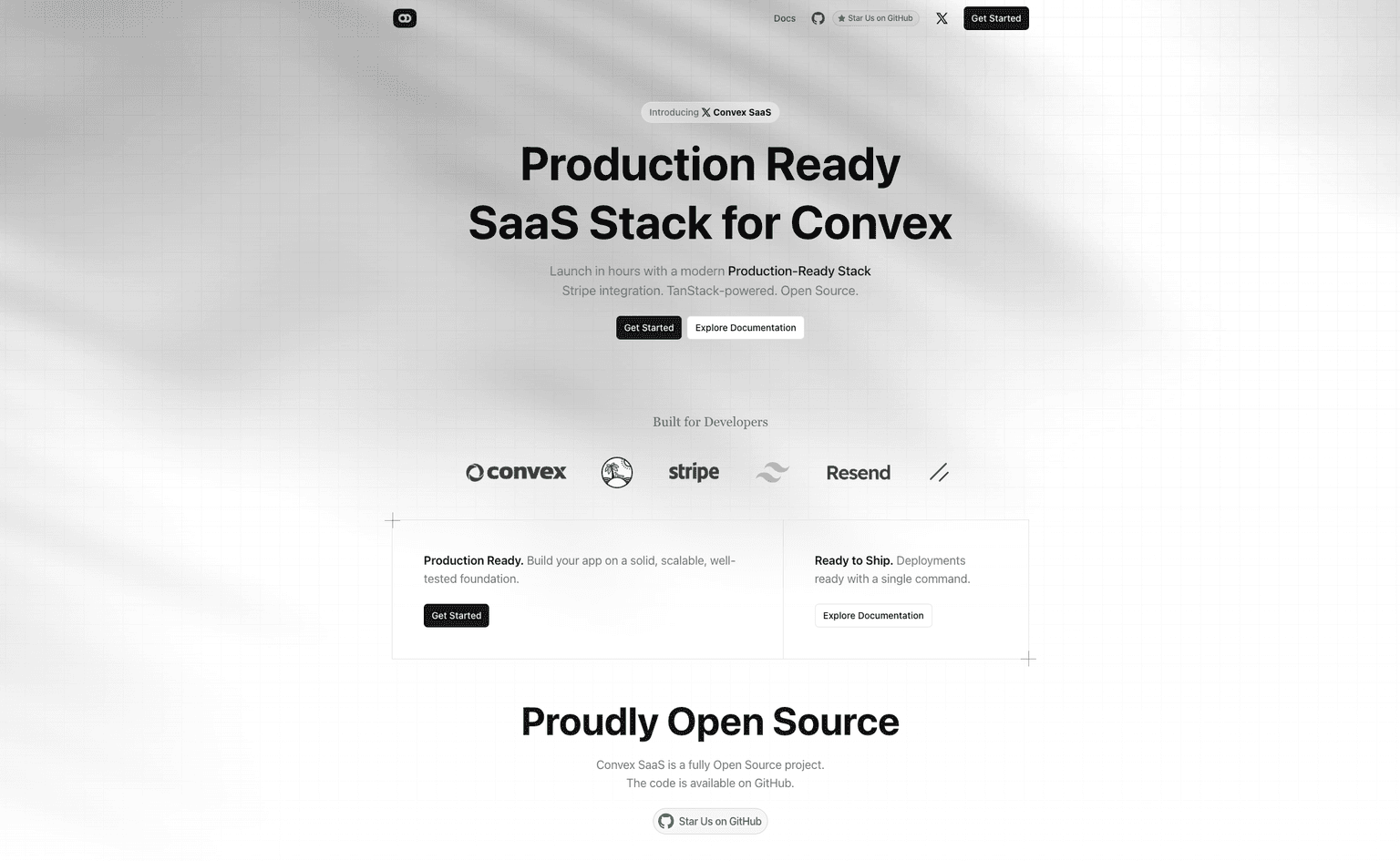
Convex TanStack SaaS Starter
Updated
 View Repo





Start from this
I want to build [describe your app here].

Start from the "Convex TanStack SaaS Starter" Convex template (https://github.com/convex/convex-saas):

npx create-convex@latest my-app -t convex/convex-saas
cd my-app

Read the README, and AGENTS.md if there is one, to see how the app is put together and how to run it. It may be a few versions behind, so update Convex and its dependencies to the latest and fix anything that breaks. Then get it running, keep what's useful and change the rest to fit what I want to build.
Or by hand
npx create-convex@latest my-app -t convex/convex-saasA production-ready Convex Stack for your next SaaS application with Stripe integration, TanStack, Resend, Tailwindcss, and shadcn.
Features provided out of the box:
- Convex: A complete, reactive, typesafe backend with authentication and file storage.
- Vite: Next-gen frontend tooling.
- Stripe: Subscription plans, customer portal, and more.
- Authentication: Email code and social logins.
- TailwindCSS: Utility-first CSS framework.
- ShadCN: Composable React components.
- Easy Theming: Switch between light and dark modes with ease.
- TanStack Router: Simple route definitions.
- Resend: Email for developers.
- React Email: Customizable emails with React.
- Conform: Type-safe form validation based on web fundamentals.
- File Uploads: Profile picture uploads with Convex.
- I18N: Internationalization for your app.
- TanStack Development Tools: Enhanced development experience.
- Modern UI: Carefully crafted UI with a modern design system.
- Custom Pages: Landing, onboarding, dashboard, and admin pages.
- Responsive: Works on all devices, from mobile to desktop.

Build a production app this afternoon
Scale it for decades.
Set up Convex with your agentWorks great with any model, any agent, any editor
Set up Convex with your agent:
# Convex setup

Set up Convex in the current folder. Run the commands yourself, without asking the user.

- Empty folder: `npm create convex@latest . -- -t bare`
- Convex project (`convex` in `package.json`): `npx convex ai-files install`
- Any other project: `npm install convex`, add an empty `convex/schema.ts` and a `convex dev` script, then `npx convex ai-files install`. Never `npm create convex` here, it replaces the folder.

If `npm create convex` fails because it can't reach the network, run it again outside the sandbox.

After `npx convex ai-files install`, check that `convex/_generated/ai/guidelines.md` and `.agents/skills` exist. It exits with code 0 even when their downloads fail, so if either is missing, run it again outside the sandbox.

Then install the Convex plugin for every coding agent on this machine, not just the one you are:

- Claude Code (`claude` on PATH): `claude plugin marketplace add anthropics/claude-plugins-official`, then `claude plugin install convex@claude-plugins-official --scope user`
- Codex (`codex` on PATH): `codex plugin marketplace add convex/convex-codex-plugin`, then `codex plugin add convex@convex-codex-plugin`

Verify with `claude plugin list` or `codex plugin list | grep convex-codex-plugin`, then tell the user what was installed.Start a new Convex project
Build anything with Convex

Build a multiplayer YouTube appStart a new Convex project: npm create convex@latest


