


 View package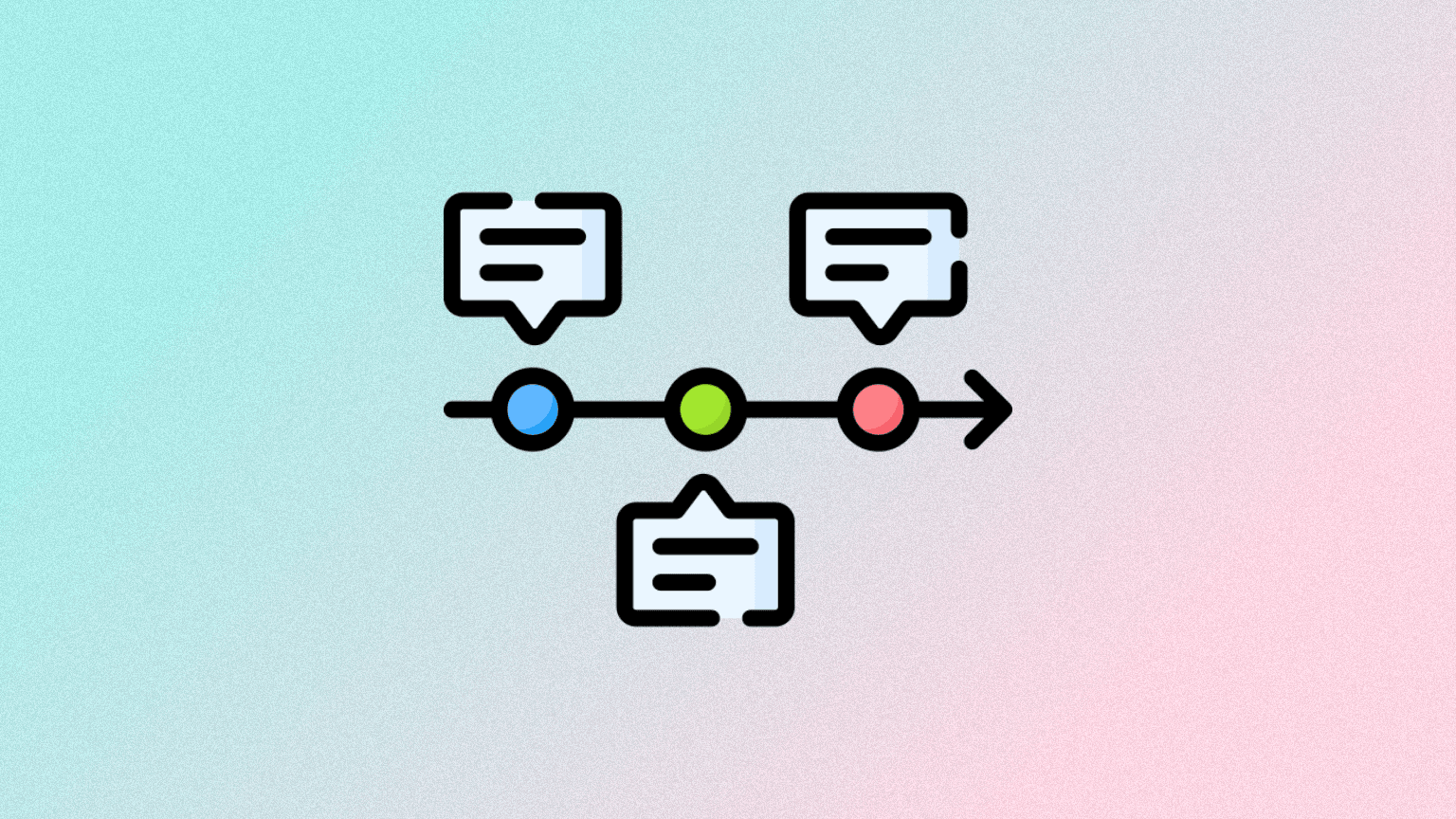
npm install convex-timelineConvex Timeline
A Convex component for undo/redo state management with named checkpoints.
Overview#
Timeline maintains a linear history of state snapshots organized by scope. It provides:
- Undo/Redo: Navigate backward and forward through state history
- Checkpoints: Named snapshots that persist independently of the timeline
- Automatic Pruning: Configurable limits to prevent unbounded growth
https://github.com/user-attachments/assets/22bb5e41-89ac-4273-9bb7-7ab298e5d012
Read the How It Works section for details on the pruning strategy and possible future improvements.
Installation#
npm install convex-timeline// convex/convex.config.ts
import { defineApp } from "convex/server";
import timeline from "convex-timeline/convex.config.js";
const app = defineApp();
app.use(timeline);
export default app;Usage#
import { Timeline } from "convex-timeline";
import { components } from "./_generated/api";

const timeline = new Timeline(components.timeline);

// Use directly with scope
await timeline.push(ctx, "doc:123", { text: "Hello" });
await timeline.undo(ctx, "doc:123");

// Or create a scoped facade
const doc = timeline.forScope("doc:123");
await doc.push(ctx, { text: "Hello" });
await doc.undo(ctx);
See example/convex for a full example.
https://github.com/user-attachments/assets/75f3a2da-f2b4-43c2-aade-aa537afb5bb3
Constructor Options#
// Unlimited history (default)
new Timeline(components.timeline);

// Global limit
new Timeline(components.timeline, { maxNodesPerScope: 100 });

// Per-prefix limits (longest match wins)
new Timeline(components.timeline, {
  maxNodesPerScope: { "doc:": 200, "scratch:": 50 },
});API#
All methods are available both on Timeline (with scope parameter) and on the
scoped facade from forScope().
Timeline Operations#
| Method | Description |
|---|---|
push(ctx, scope, state) | Push new state. Prunes nodes ahead of head if after undo. |
undo(ctx, scope, count?) | Move head back. Returns state or null if at start. |
redo(ctx, scope, count?) | Move head forward. Returns state or null if at end. |
currentDocument(ctx, scope) | Get current state without modifying timeline. |
status(ctx, scope) | Returns { canUndo, canRedo, position, length }. |
clear(ctx, scope) | Remove all nodes, reset head. Preserves checkpoints. |
deleteScope(ctx, scope) | Delete scope and all data including checkpoints. |
Checkpoints#
Checkpoints are named snapshots stored independently—they persist even when nodes are pruned.
| Method | Description |
|---|---|
createCheckpoint(ctx, scope, name) | Save current state as named checkpoint. |
restoreCheckpoint(ctx, scope, name) | Push checkpoint state as new node (undoable). |
getCheckpointDocument(ctx, scope, name) | Get checkpoint state without restoring. |
listCheckpoints(ctx, scope) | List all checkpoints with names and positions. |
deleteCheckpoint(ctx, scope, name) | Delete a checkpoint. |
Inspection#
| Method | Description |
|---|---|
getDocumentAtPosition(ctx, scope, pos) | Get state at specific position without moving head. |
listNodes(ctx, scope) | List all nodes with positions and documents. |
How It Works#
After three pushes:
    [A] → [B] → [C]
                head

After undo:
    [A] → [B] → [C]
          head

After push(D) — C is pruned:
    [A] → [B] → [D]
                head
This pruning behavior matches the standard undo/redo model used by editors like Google Docs, VSCode, and Notion, where pushing new state after an undo discards the forward history. Future versions may support alternative models such as manual branching, time travel, and reconciliation strategies, depending on community interest.
Checkpoints persist through pruning:
createCheckpoint("v1") at C → saves C's state
After C is pruned → checkpoint "v1" still holds C
restoreCheckpoint("v1") → pushes C as new node (undoable)Example#
See example/ for a complete todo app with undo/redo.
cd example && npm install && npm run devFAQ#
Why do we prune the redo branch?#
I looked at many text editing programs (Google docs, VSCode, Notion, etc) and
mimicked their behavior. When we undo and push, the redo branch can not be
accessed again so we prune it to save on storage space.
Why are checkpoints stored in a separate table?#
Consider the case where we checkpoint a node that gets pruned, either because the scope reaches capacity or it's part of the redo branch. In this case, we can no longer restore to that state if we stored the checkpoint as a property of the node.
Why does restoring a checkpoint create a new node instead of traveling back to it?#
The original node might not exist anymore if it was pruned. Even if it does exist, creating a new node makes the restore undoable, meaning you can go back to where you were before restoring. It also protects the restored state from being pruned if you undo and push new state later. There is a future where I introduce a time-travel mode if there is demand for it.
Why not use the Convex transaction log?#
Ideally the Convex transaction log (described here) can be used so we can specify pointers to data (obviously this would be more complicated since we'd need to consider indexes) but unfortunately Convex does not currently expose the transaction log.
In addition to this, it's not necessary the case that the timeline component is only used for tracking documents in tables. It can be used for any data!
License#
MIT


 Twitter
 Discord
 YouTube
 Luma
Luma LinkedIn
 GitHub
- SOC 2 Type II Compliant
- HIPAA Compliant
- GDPR Verified
 SOC 2 Type II Compliant